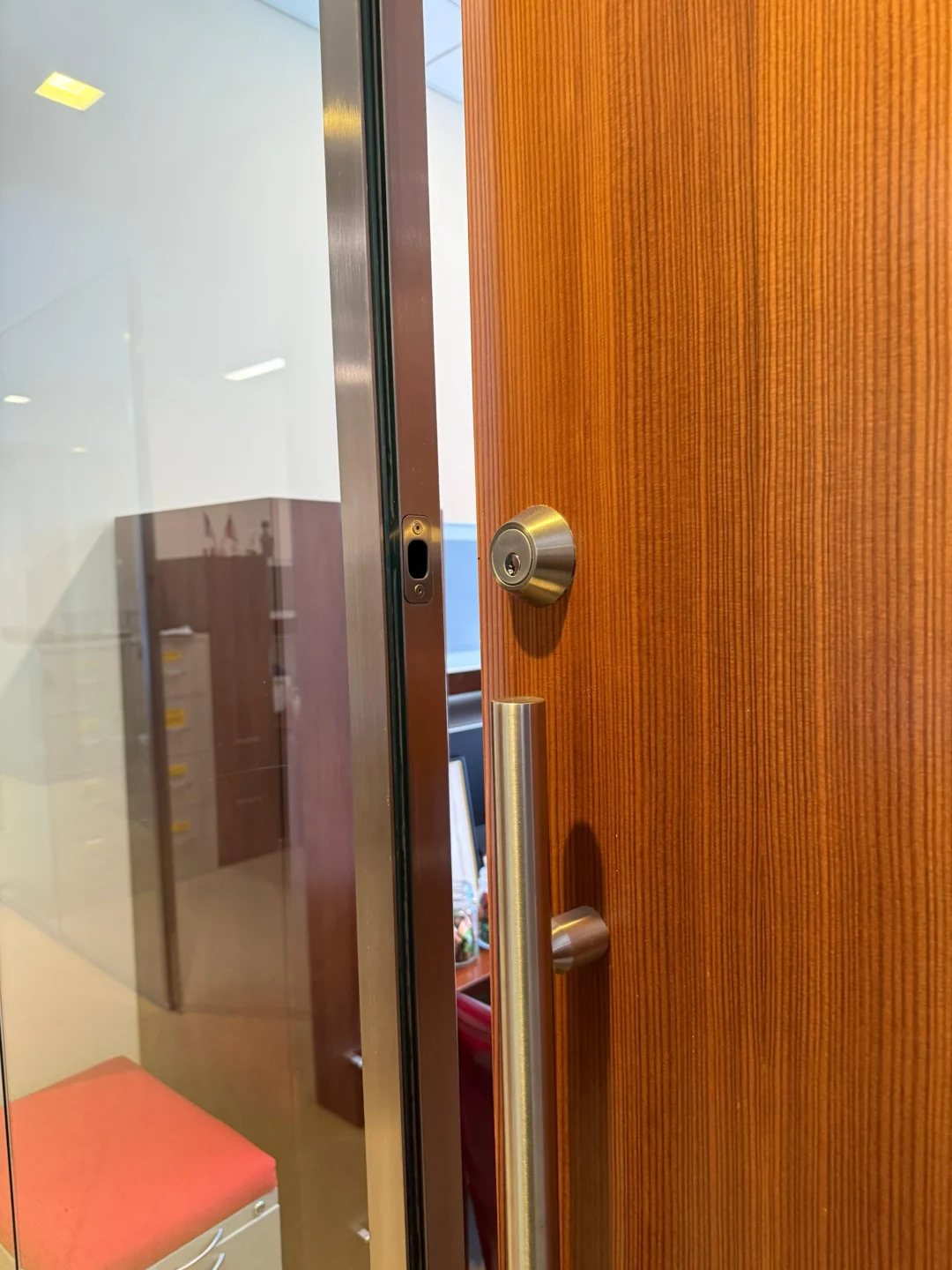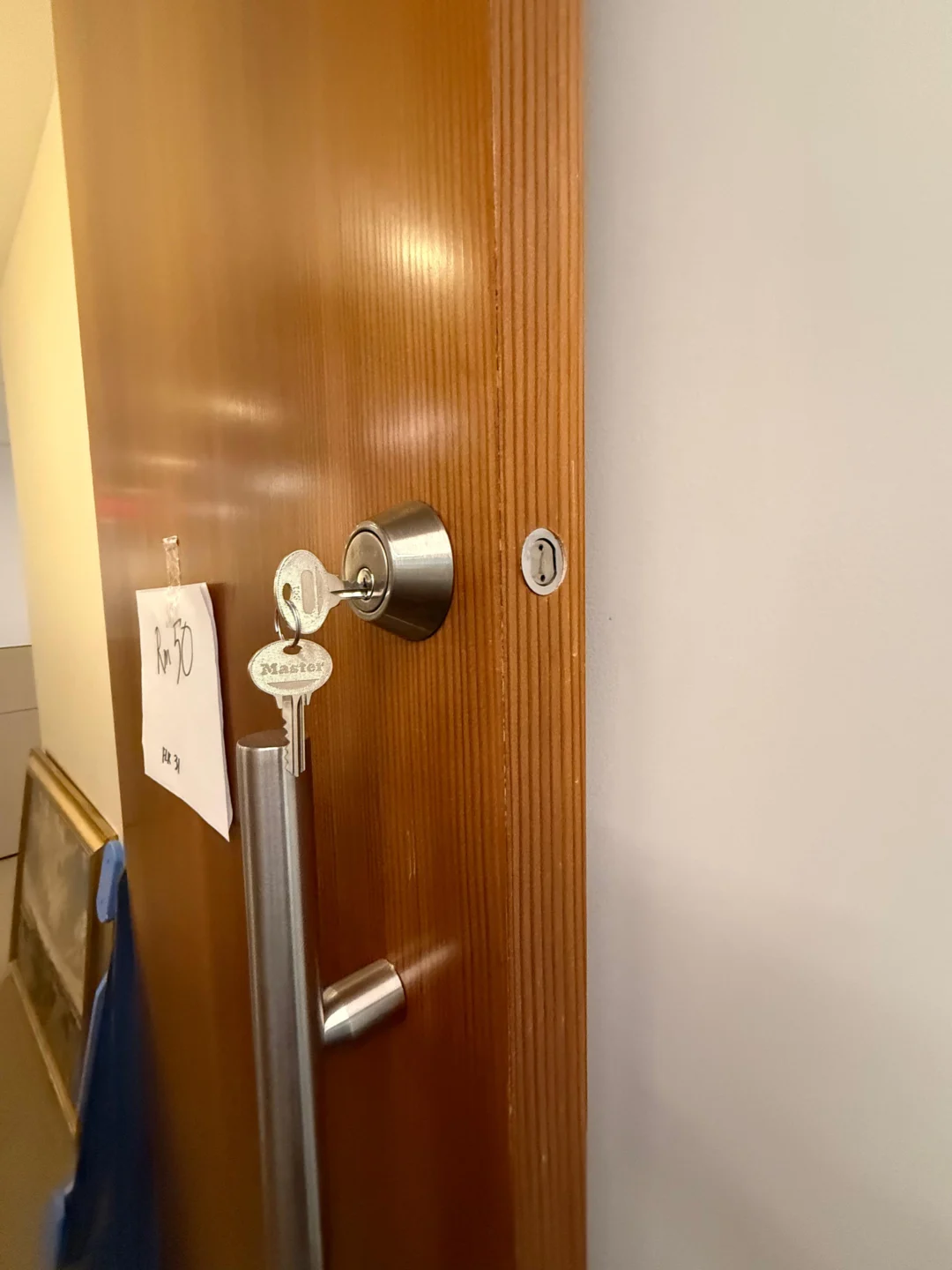
When a smart lock stops working, replacing the entire lock should not be the first response. A smart lock combines mechanical locking hardware, batteries, a motor, electronics, a keypad or reader, wireless communication, software, and door alignment. A failure in any one of those areas can produce the same frustrating result: the door does not unlock.
That is why the fastest troubleshooting method is to identify which part still works. If the physical key works but the keypad does not, the mechanical deadbolt may be fine. If Bluetooth works while remote access does not, the lock itself may be fine and the problem may be Wi-Fi, a bridge, or smart-home integration. If you hear the motor but the bolt does not move, investigate mechanical binding or installation. If the lock works perfectly with the door open but jams after you close it, the strike and deadbolt alignment deserve attention before the electronics.
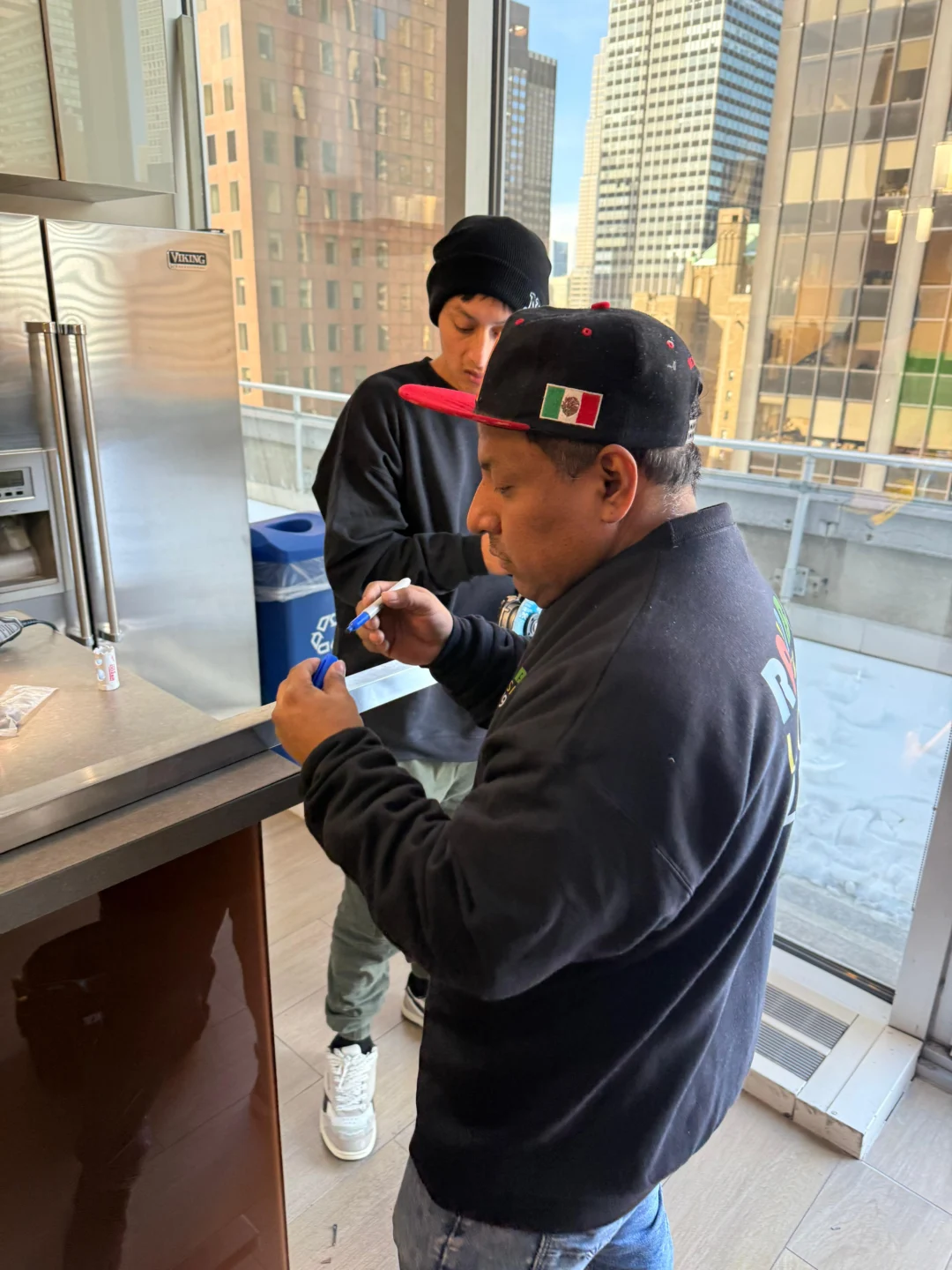
Current manufacturer troubleshooting from Schlage, Kwikset, Yale, and August supports exactly this type of separation. Kwikset, for example, identifies deadbolt binding, incorrect handing, mounting-plate pressure, low batteries, and keypad failure as different causes of smart-lock problems. Schlage similarly separates jammed bolts, keypad failures, power problems, and connectivity issues in its 2026 troubleshooting documentation. Rainbow Locksmith NY provides smart lock installation and setup for NYC apartments and businesses, including configuration and troubleshooting of app-connected locks.
First check the batteries and try another access method such as the physical key, keypad, app, or interior thumb turn. Then open the door and test the smart lock again. If it works with the door open but jams when closed, inspect the deadbolt and strike alignment. If the motor runs but the bolt does not move even with the door open, check installation, handing, calibration, and mechanical binding. If Bluetooth control works but remote access does not, troubleshoot Wi-Fi or the smart-home bridge instead of the lock. Avoid factory resetting until battery, mechanical, code, and connectivity problems have been ruled out.
Start here: what part of the smart lock still works?
Before removing batteries, deleting apps, or performing a factory reset, identify your exact symptom.
| What happens | Start investigating |
|---|---|
| Nothing lights up or responds | Battery/power |
| Keypad works but door won’t unlock | Code, motor, bolt alignment |
| App works but keypad is dead | Keypad/wiring |
| Keypad works but app shows offline | Bluetooth/Wi-Fi/network |
| Bluetooth works but remote access fails | Wi-Fi/bridge/hub |
| Motor runs but bolt doesn’t move | Mechanical jam/installation |
| Works open but jams closed | Strike/door alignment |
| Physical key works, electronics don’t | Battery/electronics/setup |
| App says unlocked but bolt stays locked | Mechanical/motor problem |
| Lock stopped after installation | Handing/calibration/mounting |
| Batteries die unusually fast | Binding/Wi-Fi/install issue |
| One code fails but other users work | Code/access settings |
Do not troubleshoot every category at once. Follow the branch that matches the actual failure.
Problem 1: smart lock has no lights, sounds, or response
If the keypad is completely dark and the lock does not respond to the app, start with power. That sounds obvious, but battery problems can mimic more serious electronic failures. Schlage’s current troubleshooting guide states that a completely unresponsive keypad can result from dead batteries, a disconnected battery tray, or an internal cable connection problem depending on the model.
Replace the batteries with the correct type
Use the battery type specified by the lock manufacturer. Do not assume all smart locks use the same cells. For example, August’s current Wi-Fi Smart Lock uses two CR123/CR123A lithium batteries, while several earlier August models use four AA batteries. August recommends replacing the complete set together rather than mixing old and new cells. Install the batteries in the correct orientation and make sure they are fully seated. Then test the lock again.
Check the battery connection
If fresh batteries produce no response, inspect the accessible battery tray or connector according to the manufacturer’s instructions. On applicable Schlage models, a disconnected battery tray or cable through the door can leave the keypad completely unresponsive. Do not pull aggressively on internal wiring. A broken harness converts a battery issue into a hardware repair.
Problem 2: the smart lock keypad is not working
A dead keypad does not necessarily mean the entire smart lock has failed. The best test is whether another control method still operates the door. Try the manufacturer’s app while standing near the lock.
App works but keypad does not
This isolates the failure toward keypad power, keypad wiring, keypad communication, keypad hardware, or keypad configuration. Schlage specifically documents situations where the lock still operates from the Schlage Home App while the exterior keypad is unresponsive; depending on the model, a disconnected wire supplying the keypad can be one cause. For separate Yale Smart Keypads, Yale recommends checking both keypad batteries and lock batteries because a working keypad still needs to communicate successfully with the lock.
Neither app nor keypad works
Go back to battery and power diagnosis before assuming both interfaces failed simultaneously.
Problem 3: keypad lights up but the code does not unlock the door
A responsive keypad tells you that at least part of the electronics has power. Now pay attention to what happens after the code is entered. Does the lock reject the code immediately? Accept the code but not move? Make motor noise? Flash an error? Work with another code? These are different problems.
Test another known-good code
If another valid code works, the lock itself is probably functioning. The problem may involve a deleted user code, an expired guest code, a scheduled access restriction, an incorrect code, a disabled user, or a lockout/security timeout. Yale’s current keypad troubleshooting distinguishes an incorrect entry code from a keypad communication failure using different audible responses on compatible products. Check the code in the manufacturer’s app rather than repeatedly guessing.
Too many wrong codes can temporarily disable entry
Do not keep entering variations rapidly. Some electronic locks intentionally block keypad attempts after repeated incorrect codes. For example, Yale states that its Smart Keypad enters a five-minute timeout after seven incorrect entry-code attempts. Other manufacturers use different lockout rules. If you know the code is correct but someone has just made many unsuccessful attempts, allow the manufacturer’s security timeout to expire before assuming the keypad is broken.
Problem 4: the motor runs but the deadbolt will not unlock
This is one of the most useful smart-lock symptoms. You hear motor noise, clicking, or beeping, but the bolt stays where it is. At this point, the problem may be mechanical rather than digital. Schlage’s current motorized-deadbolt troubleshooting identifies three major causes of a stuck smart deadbolt: incorrect installation or door preparation, obstruction around the deadbolt, and motor-related failure. Kwikset similarly identifies strike misalignment, incorrect handing, mounting pressure, latch installation, and mechanical binding among reasons its smart deadbolts fail to extend or retract properly. Do not keep pressing Unlock repeatedly. First test the mechanical system.
The most important smart-lock test: open the door and try again
If you currently have the door open, leave it open. Operate the smart lock electronically.
It works with the door open
Good. The motor, batteries, and much of the electronic system are probably functioning. Now close the door and repeat the test. If the bolt suddenly jams, focus on strike alignment, the deadbolt pocket, door sag, weatherstripping, and frame movement. Kwikset explicitly recommends this open-door test: if its handing or motor operation succeeds while the door is open but fails when closed, the manufacturer identifies latch/strike alignment as the likely issue.
It still does not work with the door open
The frame is no longer touching the bolt. Focus instead on installation, the motor, the torque blade, the clutch, the deadbolt mechanism, calibration/handing, and battery power. This one test eliminates an entire category of possibilities.
Problem 5: smart lock works open but jams when door is closed
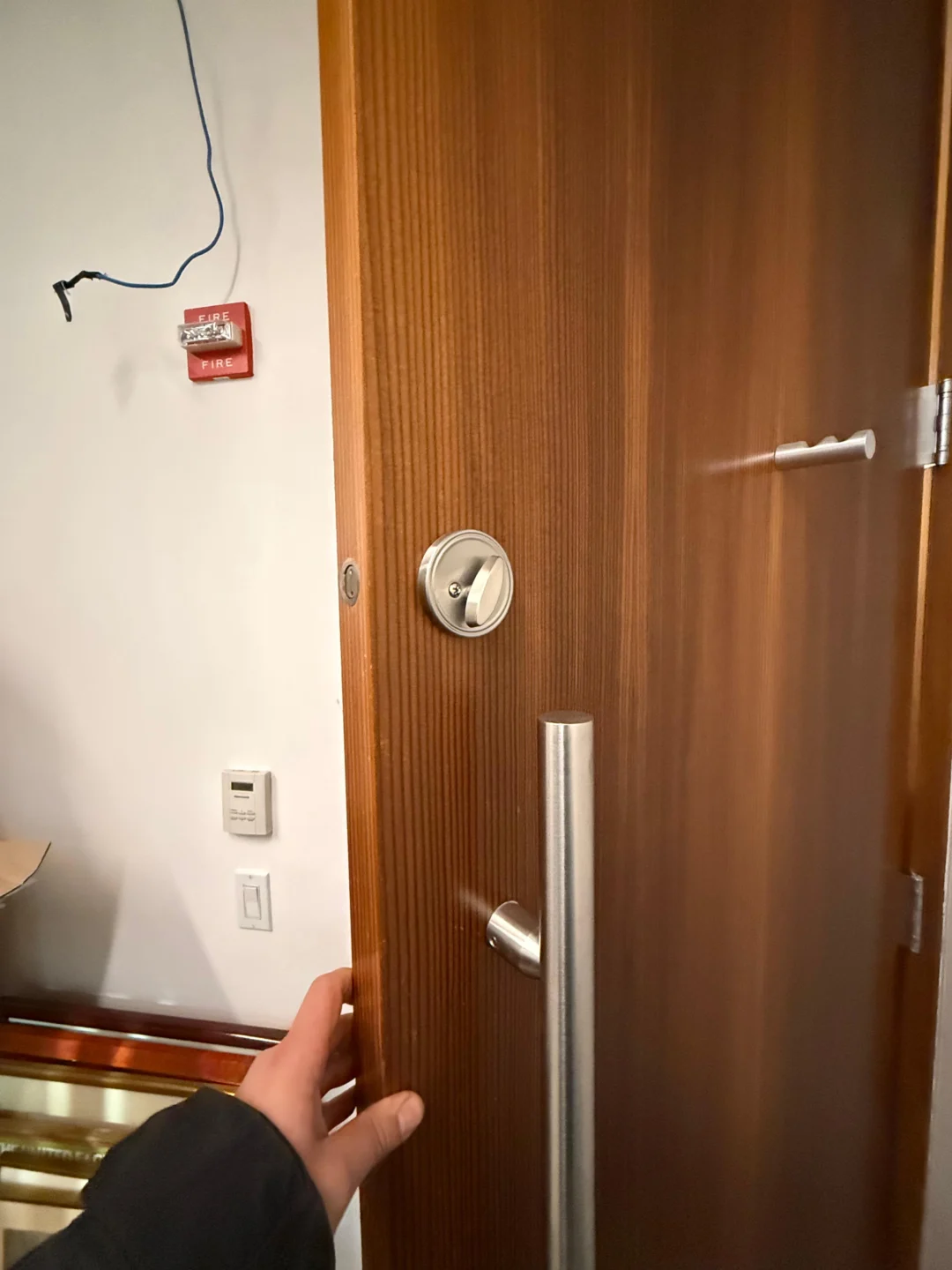
This is one of the most common mechanical smart-lock problems. A person operating a traditional deadbolt may unconsciously push or pull the door while turning the key. A smart-lock motor cannot make that same judgment. If the bolt touches the edge of the strike, the motor encounters additional resistance. Kwikset specifically advises checking whether the deadbolt enters the jamb hole freely and whether the door closes correctly without the bolt contacting the strike or frame.
Look for these alignment clues
- Bolt rub marks on the strike
- Needing to push the door before locking
- Needing to pull the door before unlocking
- Lock works when weather is mild but binds later
- Door has dropped slightly
- Hinges are loose
- Weatherstripping strongly compresses the door
Fix the alignment problem instead of increasing motor attempts.
The bolt hole may not be deep enough
A smart deadbolt needs enough space to extend fully. Kwikset’s current Home Connect 620 troubleshooting specifies that the deadbolt hole should be at least 1 inch deep for that model so the bolt can fully extend. That dimension should not be blindly transferred to every smart lock. The broader rule is: check the installation dimensions required by your exact lock. If the bolt hits the back of the hole before completing its travel, the electronics can interpret the resistance as a jam.
Problem 6: smart lock was installed but never worked correctly
New-installation failures deserve a different troubleshooting path from a lock that worked normally for two years and suddenly stopped. Common installation-related causes include incorrect handing, incorrect calibration, a deadbolt installed incorrectly, a mounting plate that is too tight, a torque blade under pressure, a crooked interior assembly, the wrong strike, or incompatible door preparation. Kwikset’s SmartCode troubleshooting specifically identifies incorrect door handing, an upside-down latch, mounting-plate pressure on the torque blade, a disengaged clutch, strike misalignment, and keypad errors as separate installation problems. Schlage likewise recommends checking the manufacturer’s installation measurements and supplied strike when a new lock cannot lock or unlock.
What is smart-lock handing?
A motorized deadbolt needs to know which direction represents locked and unlocked for the door on which it is installed. Some manufacturers call this door handing. Kwikset explains that its Home Connect 620 determines the direction in which the deadbolt should extend during its initial operation, while several SmartCode models have a specific handing procedure during setup. If handing was not completed correctly, you may see the bolt moving in the wrong direction, a motor error, the lock button not working, the lock cycling incorrectly, or failed calibration. Do not automatically factory-reset the lock. First repeat the manufacturer’s handing procedure for the exact model.
Calibration and handing are not always the same thing
Different brands use different terminology. August, for example, uses calibration to teach compatible retrofit locks their locked/unlocked positions and, with DoorSense, the door’s open/closed position. August tells users to recalibrate if door-state readings become inaccurate. A full-replacement Kwikset deadbolt may use a handing process instead. Do not search for one generic “smart lock calibration procedure” and apply it to every brand. Use the exact model instructions.
Problem 7: August smart lock is showing the wrong lock position
Retrofit locks such as August depend on calibration because the motor needs to understand the mechanical travel of the existing deadbolt. If the app says unlocked while the physical bolt is locked – or vice versa – recalibration may be appropriate. August’s official installation procedure includes lock and DoorSense calibration and recommends recalibrating if the door-state reading becomes inaccurate. Before recalibrating, make sure the underlying deadbolt itself turns smoothly. Calibration cannot repair a mechanically binding lock.
Problem 8: smart lock app says “no response” or “offline”
Now separate local communication from remote communication. Stand near the lock and open the manufacturer’s app. Can you operate it over Bluetooth?
Bluetooth works
If the lock responds locally but not remotely, the smart lock itself may be functioning. The issue is more likely related to Wi-Fi, a bridge, a hub, the router, smart-home integration, or the internet connection. August’s HomeKit troubleshooting uses exactly this logic: if Bluetooth works locally but remote HomeKit access does not, the associated bridge or remote-connection path becomes the more likely problem.
Bluetooth also fails
Check the lock batteries, phone Bluetooth, app permissions, distance from the lock, and lock power. August specifically recommends checking lock batteries when Bluetooth connection to the device fails.
Wi-Fi failure does not always mean the door cannot unlock
Many smart locks have more than one communication method. Depending on the model, local access may still work through Bluetooth, the keypad, a physical key, or a local smart-home protocol even when remote Wi-Fi access is unavailable. This is why “my smart lock is offline” and “my smart lock physically will not unlock” should be treated as separate problems during troubleshooting. For current August locks, official troubleshooting distinguishes Bluetooth connectivity from remote/Wi-Fi access.
Problem 9: smart lock works in its own app but not Apple Home, Alexa, or Google Home
If the manufacturer’s app can lock and unlock the door normally, do not immediately reinstall the physical lock. The core lock is probably functioning. Focus on the integration layer. For August HomeKit troubleshooting, August recommends first verifying that the lock works in the August app while standing nearby. Only then does it troubleshoot HomeKit setup, bridge connectivity, and integration. Schlage similarly separates Schlage Home App issues from lock-specific hardware problems in its current troubleshooting guide. A useful rule is: native app works = investigate integration before hardware.
Check phone Bluetooth and app permissions
Smart-lock apps often need Bluetooth for initial pairing, nearby lock control, setup, calibration, and accessory configuration. If your phone recently received an operating-system update, a privacy-setting change, an app reinstall, or a new-phone migration, check whether the app still has required Bluetooth and local-network permissions. Schlage’s current troubleshooting guide includes Bluetooth-permission problems and Wi-Fi-list problems among Schlage Home App troubleshooting categories. Do this before factory-resetting the lock.
Problem 10: remote smart-lock access stopped working after router changes
If local Bluetooth access works but remote Wi-Fi control stopped after changing the router, Wi-Fi name, password, network hardware, or internet provider, then treat it as a network problem first. The lock or bridge may need to be reconnected using the manufacturer’s Wi-Fi setup procedure. Do not delete all lock users unless the documentation actually requires a reset. A network credential change is different from a failed lock.
Problem 11: auto-unlock is not working
Auto-unlock is another separate feature. A smart lock can accept keypad codes, lock from the app, and unlock manually while auto-unlock alone fails. August maintains a separate Auto-Unlock troubleshooting path rather than treating it as a general lock failure. Common areas to investigate can include phone permissions, background app operation, location settings, Bluetooth, and app status. Do not replace a perfectly functioning deadbolt because one automation feature stopped working.
Problem 12: smart lock works with physical key but not electronically
This is valuable diagnostic information. If the physical key smoothly locks and unlocks the deadbolt while the door is open, the underlying mechanical bolt is capable of moving. Focus on batteries, the motor, calibration, handing, the electronic connection, the keypad, and the app. However, also test the physical key with the door closed. If the key becomes difficult only after closing the door, there may still be strike alignment that the motor is struggling to overcome.
Problem 13: electronic unlock works but physical key does not
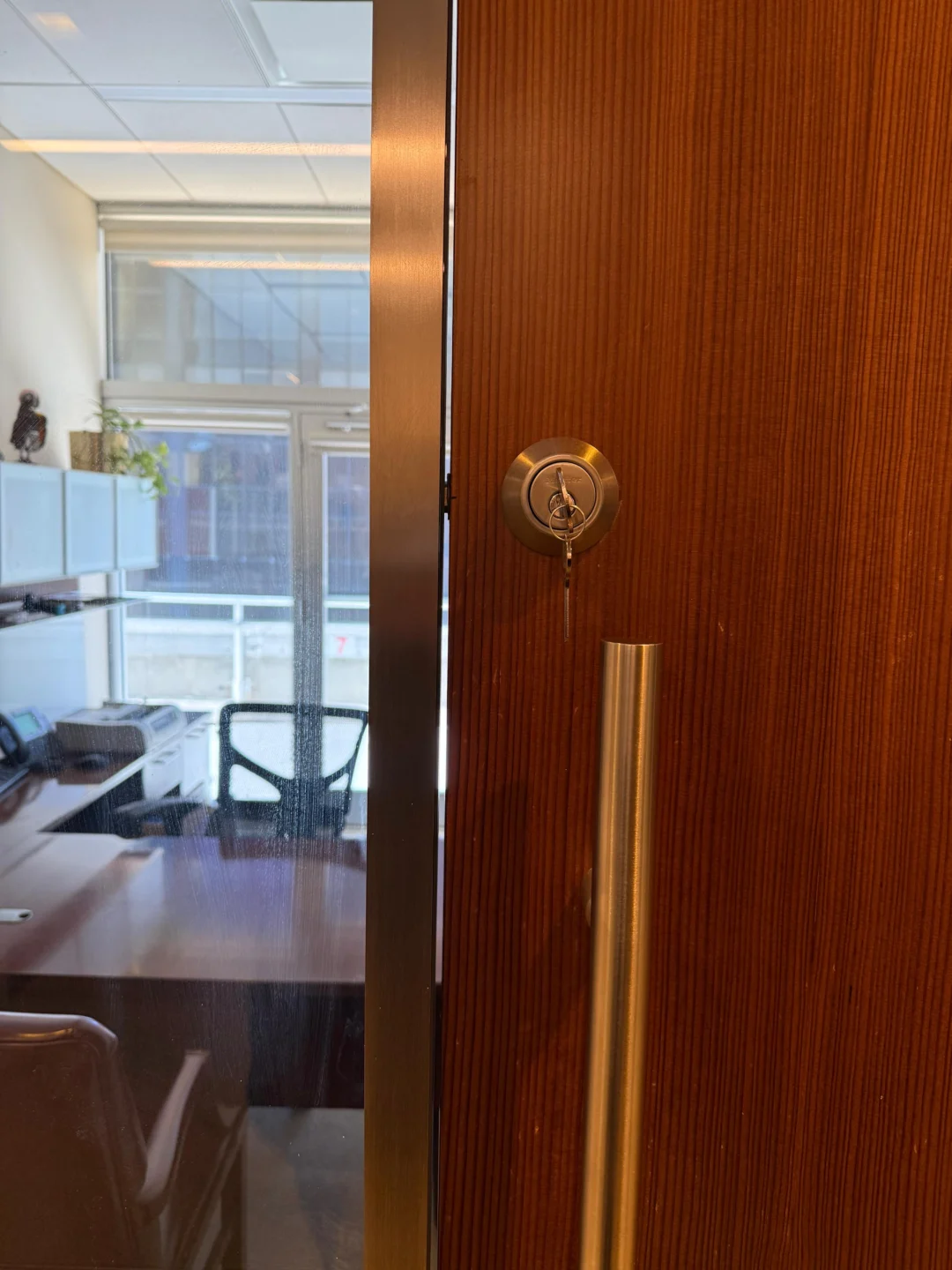
Now reverse the diagnosis. The motor and deadbolt mechanism can operate, but the mechanical key side has a separate problem. Possible areas include a wrong key, a worn key, the cylinder, cylinder installation, or a keyway obstruction. Do not keep relying exclusively on electronic access if your lock is supposed to provide a physical key backup. A backup method is useful only if you confirm that it actually works before you need it.
Problem 14: lock says “unlocked,” but the deadbolt is still extended
This is not just an app-display problem if the physical bolt truly did not move. Schlage’s 2026 troubleshooting guide specifically lists a condition where the lock indicates that it is unlocked while the bolt remains stuck. The manufacturer directs users toward its stuck-motorized-deadbolt troubleshooting. Check:
- Door open vs. closed operation.
- Physical key operation if provided.
- Bolt obstruction.
- Installation.
- Motor response.
Do not trust the app status more than the actual physical door.
Problem 15: smart lock makes clicking noise but won’t unlock
Clicking usually tells you that something is attempting to move. That does not necessarily mean the motor is defective. Kwikset notes that clicking or incomplete latch movement on compatible products can result from incomplete handing, strike misalignment, friction, or insufficient bolt-hole clearance. Test the deadbolt manually with the door open. If it feels stiff by hand, fix the mechanical resistance before blaming the electronics.
Problem 16: smart lock batteries keep dying quickly
Unusually fast battery drain can be a symptom, not the root problem. August states that battery life on its Wi-Fi Smart Lock is affected by factors including lock usage, deadbolt friction, Wi-Fi signal strength, and router settings. That deadbolt-friction point is especially important. A motor that has to fight the strike on every cycle is doing more work than one operating a smoothly aligned bolt. If batteries repeatedly die early:
- Test the deadbolt manually.
- Test it with the door open.
- Check strike alignment.
- Check Wi-Fi/network conditions.
- Verify the correct battery type.
Do not create a permanent schedule of replacing batteries every few weeks without finding the cause. For model-specific Schlage battery replacement, see our guide on how to change the battery in a Schlage lock.
The lock stopped working immediately after battery replacement
Do not assume the new batteries are good simply because they are new. Check the correct battery type, polarity, whether all batteries were replaced together where required, whether the battery tray is fully seated, whether the connector is properly attached, and whether a wire was pinched during cover installation. August, for example, specifies exact battery types for each lock generation and instructs users to replace the complete battery set together. If the lock responds after battery replacement but now reports incorrect bolt status, calibration may also need to be checked depending on the product.
Do not factory reset a smart lock as your first step
Factory reset is often recommended too early. A reset can create more work than the original problem. For August locks, a factory reset removes the lock from the house, deletes Owner and Guest access, removes activity history, and unpairs associated accessories. Yale likewise warns that resetting its Smart Keypad removes existing entry codes and requires them to be created again. Before resetting, determine whether you actually have a power problem, a mechanical jam, an alignment problem, an individual code problem, a Wi-Fi problem, a Bluetooth problem, or a calibration problem. A factory reset cannot repair a deadbolt that physically hits the strike.
When a reboot makes sense before a reset
A reboot and a factory reset are not the same thing. A reboot restarts the electronic device without intentionally erasing all configured access. For example, Yale’s current Smart Keypad troubleshooting recommends rebooting a connected lock by briefly removing and reinserting a battery when communication fails before moving to a keypad reset. That is a much more conservative troubleshooting step. Follow the exact reboot procedure for your model.
Should you update the smart-lock firmware?
If the mechanical lock works and the problem involves app communication, integration, setup, or connectivity, check the manufacturer’s app for supported firmware updates. August recommends keeping its app and firmware environment current during HomeKit troubleshooting, and Schlage maintains current product-specific troubleshooting through its Home App support system. Do not interrupt a firmware update by removing batteries unless the manufacturer specifically tells you to.
When the smart lock is not the actual problem
This is one of the most important sections for avoiding unnecessary replacement. Your lock may be functioning normally while another part of the entrance is failing.
- Door sag: the bolt no longer lines up with the strike.
- Loose hinges: the door gradually shifts downward.
- Tight weatherstripping: the door rests farther away from its previous closed position.
- Strike moved: the deadbolt contacts metal instead of entering cleanly.
- Bolt pocket too shallow: the bolt cannot fully extend.
- Door preparation incorrect: the lock body, torque blade, or deadbolt may be installed under pressure.
Kwikset and Schlage both include these mechanical installation and alignment issues in current smart-lock troubleshooting. A different smart lock installed on the same misaligned door can develop the same problem.
Smart lock works for a few days, then starts jamming
This pattern deserves attention. If a new lock initially works but begins reporting jams after normal use, check whether mounting hardware is shifting or whether the door’s closed position is placing pressure on the bolt. Kwikset warns that overtightened exterior mounting screws can contribute to jamming on some current smart-deadbolt products. The correct installation should allow the mechanical components to move freely. “Tighter” is not automatically “better.”
Smart lock compatibility problems on NYC apartment doors
Not every smart lock fits every New York apartment entrance. As our guide to the best smart locks for NYC apartments notes, older NYC doors can use mortise-style hardware rather than the cylindrical deadbolt preparation expected by many retail smart locks. If a smart lock has never operated correctly on an unusual apartment door, ask whether the problem began with product selection rather than troubleshooting. Possible compatibility concerns include a mortise lock, a steel door, nonstandard preparation, a high-security cylinder, a secondary lock, or limited interior clearance. Rainbow Locksmith NY’s smart lock setup service includes choosing and configuring smart locks for compatible residential and business entrances.
Retrofit smart lock vs. full electronic deadbolt troubleshooting
These categories fail differently.
Retrofit smart locks
An August-style retrofit usually operates an existing deadbolt from the interior. Troubleshooting often centers on the adapter, calibration, existing deadbolt friction, mounting, batteries, Bluetooth/Wi-Fi, and DoorSense. August’s current documentation specifically requires lock calibration and identifies deadbolt friction and wireless conditions as factors affecting performance.
Full replacement smart deadbolts
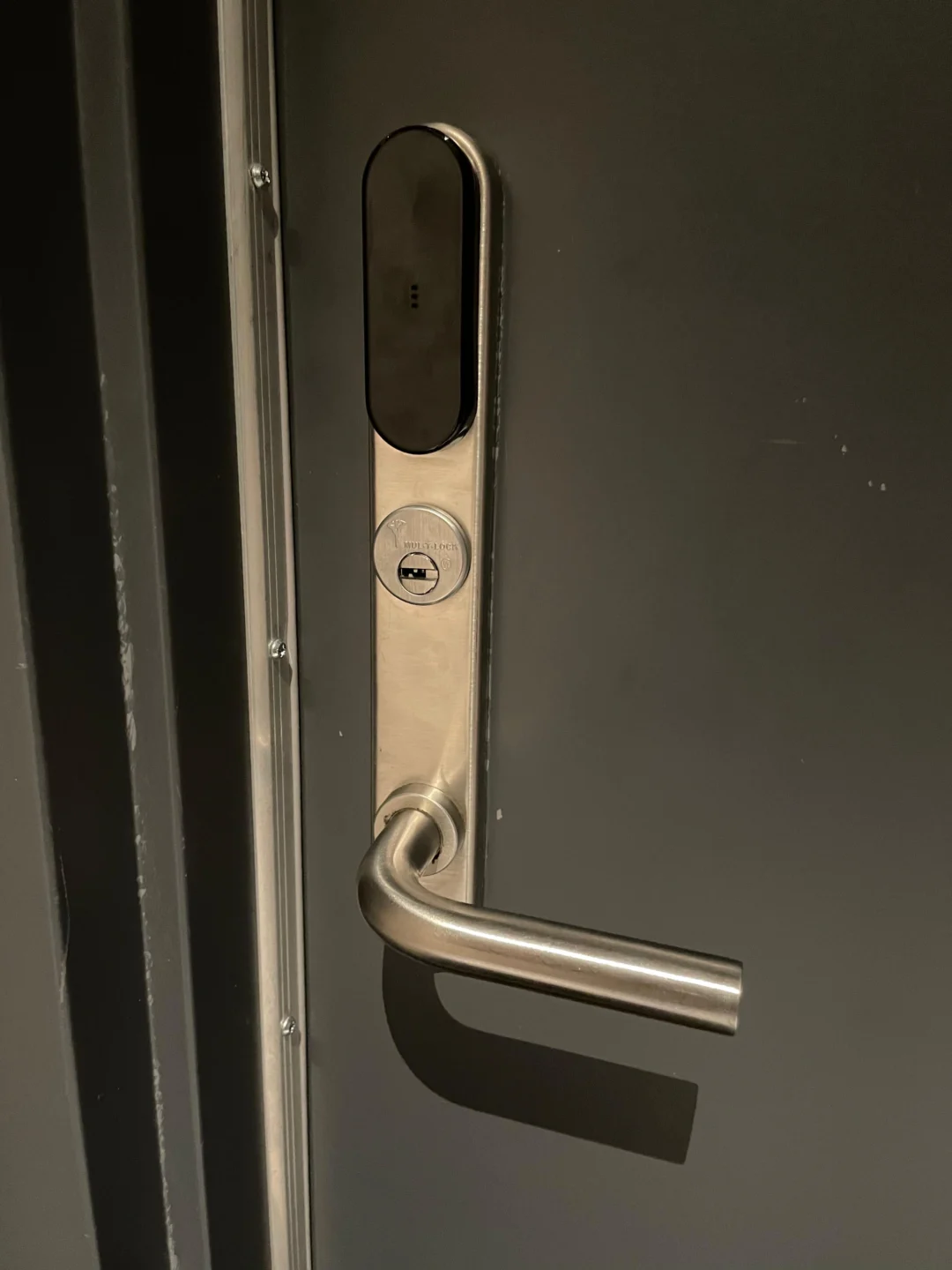
A Schlage Encode or Kwikset SmartCode-style installation replaces both interior and exterior deadbolt hardware. Troubleshooting may additionally involve door preparation, handing, the torque blade, latch orientation, the mounting plate, and the strike supplied with the lock. Kwikset and Schlage both document these installation-specific causes. Know which architecture you have before following repair instructions.
Should you keep a physical key backup?
If your smart lock model retains a mechanical key cylinder, test that key periodically. August retrofit locks are specifically designed so the original exterior key remains usable because the retrofit hardware sits on the interior side of a compatible deadbolt. A backup key can help when the problem is a dead phone, an app problem, a connectivity outage, or a lock battery issue. It will not necessarily help if the physical deadbolt itself is jammed against the strike. That is why the key should also be tested mechanically before an emergency.
A practical smart-lock troubleshooting order
Instead of changing several things at once, use this sequence.
- Try another access method. Compare the keypad, app, physical key, and interior thumb turn. Identify what still works.
- Check power. Use the correct fresh batteries and verify connections.
- Open the door and test the lock. This separates frame alignment from internal problems.
- Test the mechanical deadbolt. It should move smoothly without motor assistance.
- Check handing or calibration. Especially if the lock was recently installed or reset.
- Check app/Bluetooth. Stand near the lock and test local communication.
- Check remote connectivity. Only after local operation works.
- Review user codes. If the problem affects only one user or keypad code.
- Reboot if the manufacturer recommends it. Do this before factory resetting.
- Factory reset only when appropriate. Understand what settings and access data will be erased first.
This order prevents a mechanical problem from being mistaken for a software problem.
When to repair the smart lock
Repair or adjustment may be appropriate when the strike is slightly misaligned, the installation is placing pressure on the mechanism, calibration was lost, handing needs to be repeated, the battery connector is loose, keypad wiring is disconnected, the existing deadbolt is binding, or the mounting hardware shifted. The lock itself may still have plenty of usable life.
When smart lock replacement makes more sense
Replacement becomes more reasonable when the motor repeatedly fails on a freely moving deadbolt, the keypad hardware has permanently failed, internal electronics are damaged, the lock has water or impact damage, correct batteries and installation do not restore function, the manufacturer no longer supports the model, mechanical and electronic components are both deteriorated, or replacement parts are unavailable. If the mechanical door hardware is also worn, evaluate both the lock and door rather than replacing electronics alone. Rainbow Locksmith NY provides both smart lock setup and broader lock replacement services in NYC.
When a smart lock failure is an emergency
Seek prompt help when:
- You are locked outside your only usable entrance.
- No backup key or access method works.
- The smart lock is stuck in the locked position.
- The door cannot be secured after opening.
- The bolt is physically jammed.
- The cylinder or hardware is coming loose.
- Internal wiring has been damaged.
- The lock failed after attempted forced entry.
Rainbow Locksmith NY provides emergency home lockout service and damaged-lock repair alongside its smart-lock services. Do not keep running the motor against a mechanically jammed bolt while waiting for it to fix itself.
Common smart-lock troubleshooting mistakes
Avoid:
- Factory resetting before checking batteries
- Resetting because Wi-Fi alone is offline
- Replacing the lock because one user code fails
- Ignoring physical key testing
- Repeatedly running the motor against a jammed bolt
- Assuming app status proves bolt position
- Ignoring door-open vs. door-closed testing
- Tightening mounting screws excessively
- Ignoring door handing after installation
- Ignoring calibration on retrofit locks
- Replacing batteries without checking mechanical friction
- Assuming every brand uses the same reset procedure
- Assuming every smart lock works on every NYC apartment door
The smart portion of the lock should be diagnosed separately from the door and deadbolt whenever possible.
Frequently asked questions
Why is my smart lock not unlocking?
Common causes include low batteries, deadbolt binding, strike misalignment, incorrect calibration or handing, keypad problems, motor failure, connectivity problems, or incorrect access settings. Current Schlage and Kwikset troubleshooting documentation separates these into different failure categories rather than treating them as one issue.
Why does my smart lock make noise but not unlock?
If you hear the motor but the bolt does not move, check for mechanical obstruction, strike misalignment, incorrect installation, or motor problems. Schlage identifies improper installation, bolt obstruction, and a stuck motor among causes of jammed motorized deadbolts.
Why does my smart lock work when the door is open but not closed?
That strongly suggests the bolt and strike are misaligned. Kwikset specifically recommends testing with the door open; if operation succeeds open but fails closed, door/strike alignment should be corrected.
Why is my smart lock keypad not responding?
Check batteries and power first. If the smart lock still works in its app but the keypad is dead, the issue may be isolated to keypad power, wiring, or keypad hardware. Schlage documents this exact symptom on compatible locks.
Why does the keypad accept my code but the door does not unlock?
If the code is accepted and you hear the motor, inspect the deadbolt for binding or alignment. If other codes work but yours does not, check your user-code permissions instead.
Why does my smart lock say it is unlocked when it is still locked?
The motorized bolt may be jammed or calibration may be incorrect, depending on the product. Schlage currently documents a condition where the lock reports unlocked but the physical bolt remains stuck.
Why is my smart lock offline?
If Bluetooth works nearby but remote access fails, investigate Wi-Fi, the associated bridge or hub, and network connectivity. August uses this same distinction in its HomeKit troubleshooting.
Will a smart lock work without Wi-Fi?
It depends on the lock and requested function. Some products continue to support local Bluetooth, keypad, or physical-key access when remote Wi-Fi control is unavailable. August, for example, distinguishes local Bluetooth operation from remote connectivity in its support documentation.
Why is only one smart-lock code not working?
The code may be incorrect, expired, deleted, scheduled outside its permitted time, or temporarily blocked after repeated failed attempts. Check the user’s access settings before resetting the entire lock.
Why are my smart-lock batteries dying so fast?
Mechanical deadbolt friction and wireless conditions can increase battery use. August specifically states that battery life can vary with usage, deadbolt friction, Wi-Fi signal strength, and router settings.
Should I factory reset my smart lock?
Only after simpler troubleshooting fails and the manufacturer’s instructions indicate a reset is appropriate. A factory reset can erase users, access permissions, history, integrations, or accessory pairings. August’s factory reset removes Owners, Guests, Activity Feed history, and paired accessories.
What is smart-lock handing?
Handing teaches certain motorized locks which direction to move the deadbolt for the particular door installation. Kwikset uses a handing procedure on several SmartCode models and identifies failed handing as a cause of locking problems.
Does an August smart lock need calibration?
Yes, compatible August locks require calibration during setup so the lock can understand its operating positions; DoorSense configurations also calibrate the door’s state. August recommends recalibration when those readings become inaccurate.
Why does my physical key work but the smart lock does not?
If the key operates the bolt smoothly, focus on power, motor, electronics, keypad, calibration, or app communication. Still test the mechanical key with the door closed to make sure strike binding is not creating extra resistance.
Can a misaligned door damage a smart lock?
A misaligned strike creates extra resistance that the smart-lock motor must overcome. Manufacturers such as Kwikset specifically identify strike binding as a cause of smart-deadbolt jams and unsuccessful operation.
When should I call a locksmith?
Call when the deadbolt remains physically jammed, the lock cannot be secured, the key and motor both fail, installation or door compatibility is uncertain, the motor repeatedly stalls on a freely moving bolt, or troubleshooting risks leaving you locked out. Rainbow Locksmith NY provides smart lock setup, residential locksmith services, and emergency lock assistance in New York City.
Get help from Rainbow Locksmith NY
Smart lock jammed, offline, or refusing every code? Rainbow Locksmith NY installs, configures, and repairs smart locks across NYC – 24/7, with the price quoted before dispatch.
Rainbow Locksmith NY | 338 E 65th St, New York, NY 10065 | Licensed and insured | NYC DCWP License. Smart lock designs vary; follow your exact manufacturer’s guidance and avoid forcing hardware that is already failing.