Whether you forgot your programming code, the keypad has stopped responding, or you are setting the lock up for a new tenant, a factory reset returns a Schlage keypad lock to its out-of-the-box state so you can start clean. We program and reset Schlage locks for New York clients all the time, and the process is genuinely quick, as long as you do one thing first. This guide covers that critical first step, how to tell whether you even need a full reset, and the exact procedure for both mechanical and smart Schlage models.
Schlage makes several keypad locks that look almost identical but reset differently. Get the model right and the rest is a one-minute job. Get it wrong and you will sit there pressing a button that does nothing, so we start by identifying your lock.
You must have your default codes first. A factory reset restores the default programming and user codes that came printed on a sticker inside the lock and on the Quick Start Guide. It does not let you set your own codes during the reset. If you have lost that sticker and the guide, Schlage customer service cannot retrieve those default codes for you, and you can be left with a lock you cannot reprogram. Find the white label with the part number and default codes before you begin.
Do you actually need a full reset?
A full reset wipes everything, which is more than many people need. Match your situation first.
- You forgot one user code but still have the programming code: you do not need a reset. Just delete or change that code. See our companion guide on how to change the code on a Schlage lock.
- You forgot the programming code itself, the lock is unresponsive, or you are clearing it for a new occupant: a full factory reset is the right move, because the programming code is what you would otherwise need to make any change.
Step 1: Identify your Schlage model
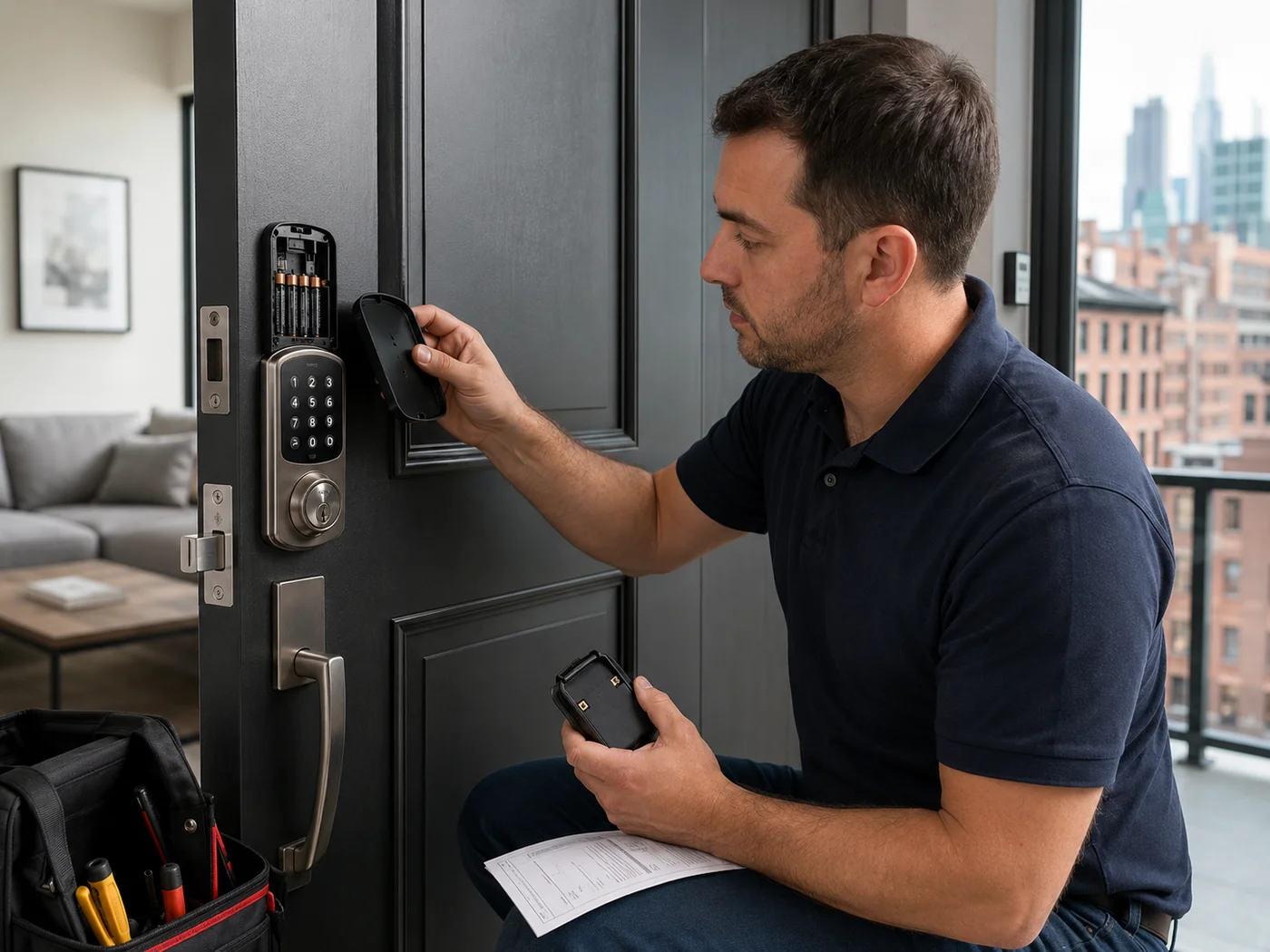
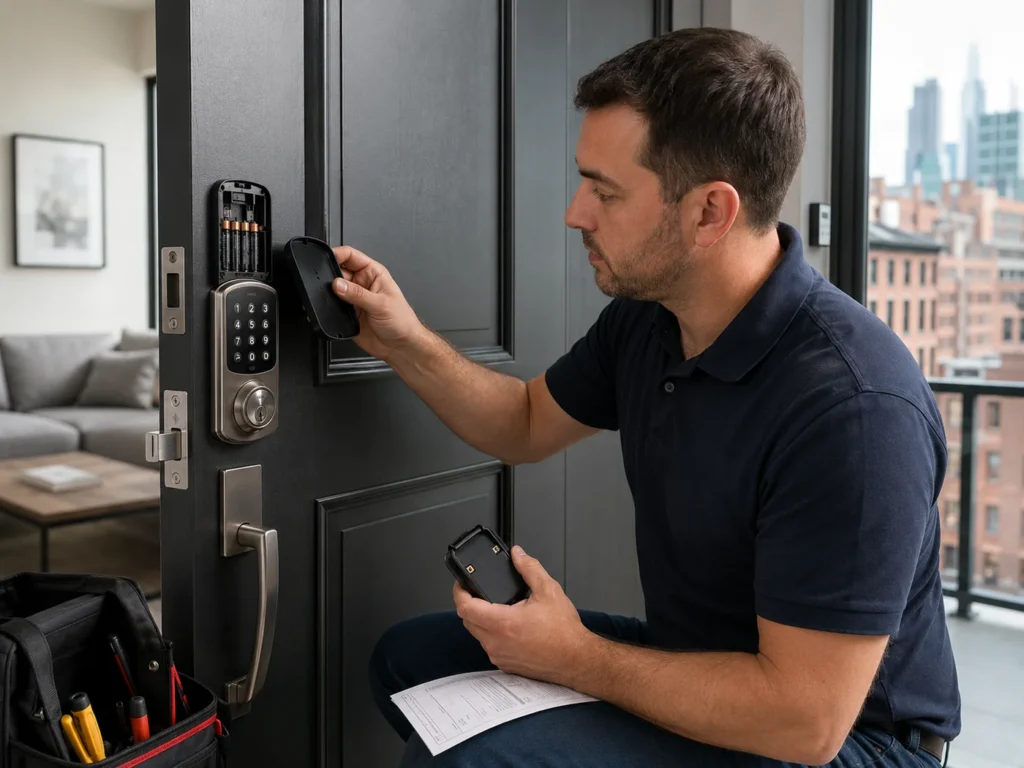
Pop off the interior battery cover or back plate and find the white sticker. The part number on it tells you which family you have, and the default codes on it are what you will enter to finish the reset.
| Part number | Model | Reset family |
|---|---|---|
| BE365, FE595, BE375 | Mechanical keypad or lever | Quick-press reset |
| BE489, BE499, FE789 | Encode or Encode Plus | Hold-button reset or FDR button |
| BE468, BE469 | Connect | Hold-button reset |
| FE695, BE479 | Sense or Touch | Hold-button reset |
Reset method A: mechanical keypad locks, BE365, FE595, and BE375
These are the simpler push-button deadbolts and levers without Wi-Fi or app control. The reset is a quick press, not a long hold.
- Disconnect the battery. Open the interior cover and unplug or remove the battery pack to power the lock down.
- Press and release the Schlage button 2 to 3 times. Tap the Schlage button on the keypad a few times while the lock has no power. This primes it for the reset.
- Reconnect the battery within 10 seconds. Timing matters here. Plug the battery back in within about ten seconds of pressing the button. The indicator light turns green for one second to confirm.
- Re-enter default codes. Use the default user and programming codes from the sticker to begin reprogramming. The lock is now back to factory settings.
Reset method B: smart locks, Encode, Connect, Sense, and Touch
These models hold codes electronically and often connect to an app or smart home, so the reset is a press-and-hold and includes re-learning the door direction afterward.
- Slide off the battery cover and disconnect the battery. Reach the battery terminal on the interior assembly and disconnect it.
- Press and hold the Schlage button. Hold the Schlage button on the lock down and keep holding it for the next step.
- Reconnect the battery while still holding. With the button held, reconnect the battery terminal. The green check mark and the Schlage button flash, often three times, signaling the reset.
- Enter a default user code to finish handing. Type one of the default user codes from the white label. This both confirms the reset and lets the lock auto-hand, meaning it re-learns which way your door locks.
Encode and Encode Plus models also have a dedicated FDR, factory default reset, button next to the label. If yours has it, you can press the house icon and enter default User Code A or B to reset. For the exact sequence for your model, Schlage’s official factory reset support guide has interactive, model-specific instructions.
What to do after the reset
A reset leaves the lock blank and on factory codes. Finish the setup so it is secure and working.
- Change the programming code immediately away from the default, so no one with a Quick Start Guide can reprogram your lock.
- Add your own user codes and delete the default user codes. Give each person their own code so you can revoke one without disturbing the rest.
- Confirm the door handing. On smart models, make sure the auto-handing completed so the bolt throws the correct direction.
- Re-pair the app or smart home. If the lock was on the Schlage Home app, Alexa, Google, or HomeKit, the reset removed it. Delete the old device entry, then add it back fresh.
Troubleshooting a reset that will not take
- Light flashes red: on code entry, a red flash usually means a mistyped programming code. Re-enter it slowly, since timing matters on these keypads.
- Keypad does not light up at all: swap in fresh alkaline batteries. A dead or weak pack is the most common cause of an unresponsive keypad.
- Reset seemed to work but old codes still open it: the reset did not complete. Repeat the full sequence, watching for the green confirmation.
- You do not have the default codes: stop. Without them you cannot reprogram after a reset, and customer service cannot recover them. This is the point to call a locksmith.
When to call a locksmith
Call a pro when you have lost the default codes, the keypad is dead after fresh batteries, the bolt is jammed, or you are locked out. We reset, reprogram, and repair every Schlage keypad model across NYC.
If you are deciding what to install or replace, our roundup of the best smart locks for NYC apartments, our Yale vs Schlage smart locks comparison, and our take on whether keyless entry locks are safe will all help. Choosing between Encode models? See our Schlage Encode vs Encode Plus guide.
Frequently asked questions
How do I reset my Schlage keypad lock if I forgot the programming code?
Perform a factory default reset using the steps for your model. It restores the lock to the default codes printed on the inside sticker and Quick Start Guide, so you do not need the old programming code, but you do need those default codes to reprogram.
Does resetting a Schlage lock delete all codes?
Yes. A factory reset erases every user code and virtual key and restores defaults. These cannot be recovered, so have your default codes ready before you reset.
Why is my Schlage lock flashing red when I enter the code?
A red flash usually means a mistyped or mistimed programming code. Enter it again slowly. If the keypad does not light at all, replace the batteries.
Do I need the old programming code to reset?
No. The whole point of a factory reset is to recover from a lost programming code. You only need the default codes from the sticker to reprogram afterward.
Get help from Rainbow Locksmith NY
Lost your codes or keypad not responding? Rainbow Locksmith NY resets, reprograms, and repairs Schlage keypad locks across Manhattan, same day.
Rainbow Locksmith NY | 338 E 65th St, New York, NY 10065 | Licensed and insured | NYC DCWP License. Steps reflect Schlage’s published reset procedures; always confirm against your model’s guide and keep your default codes.