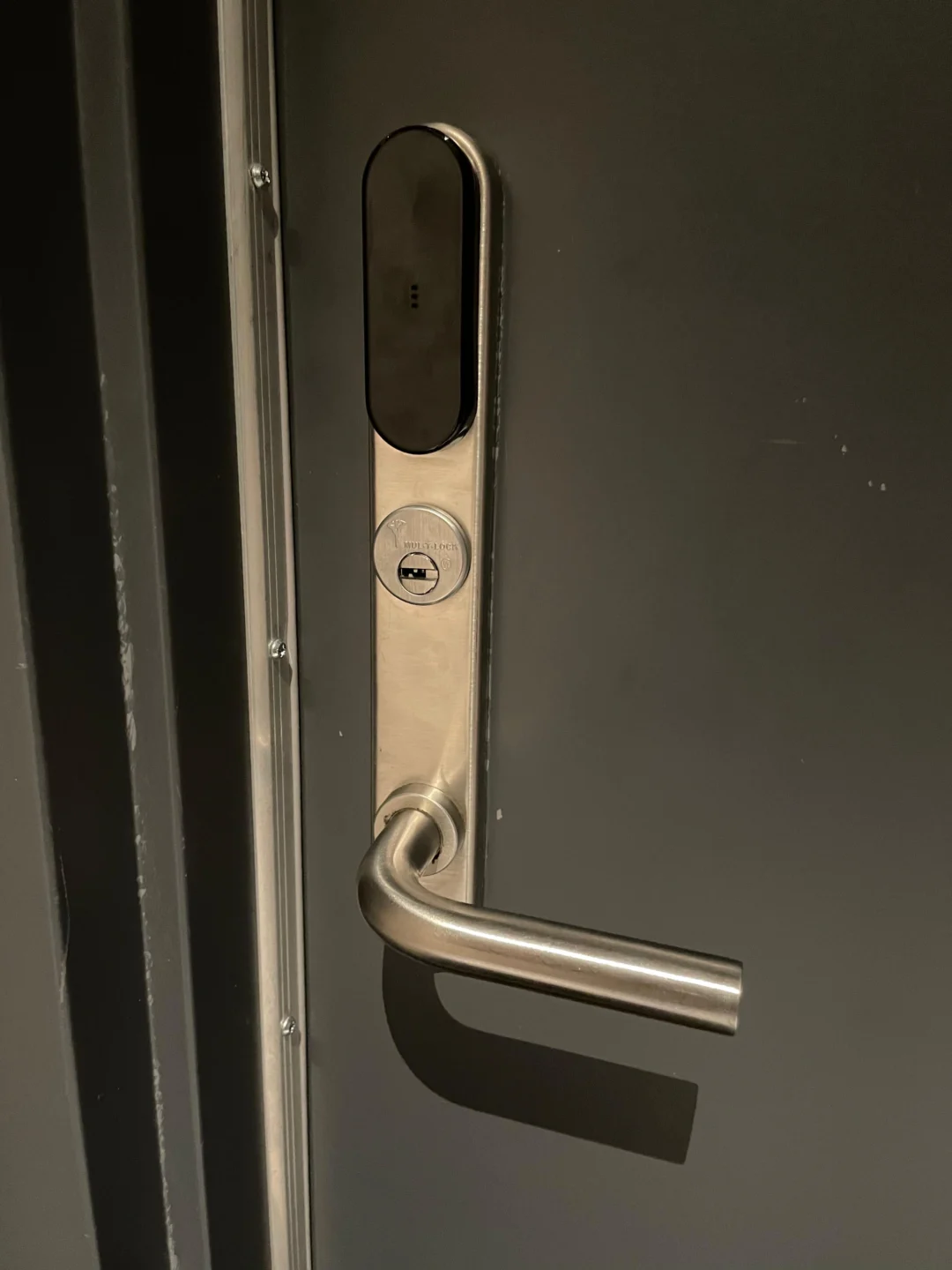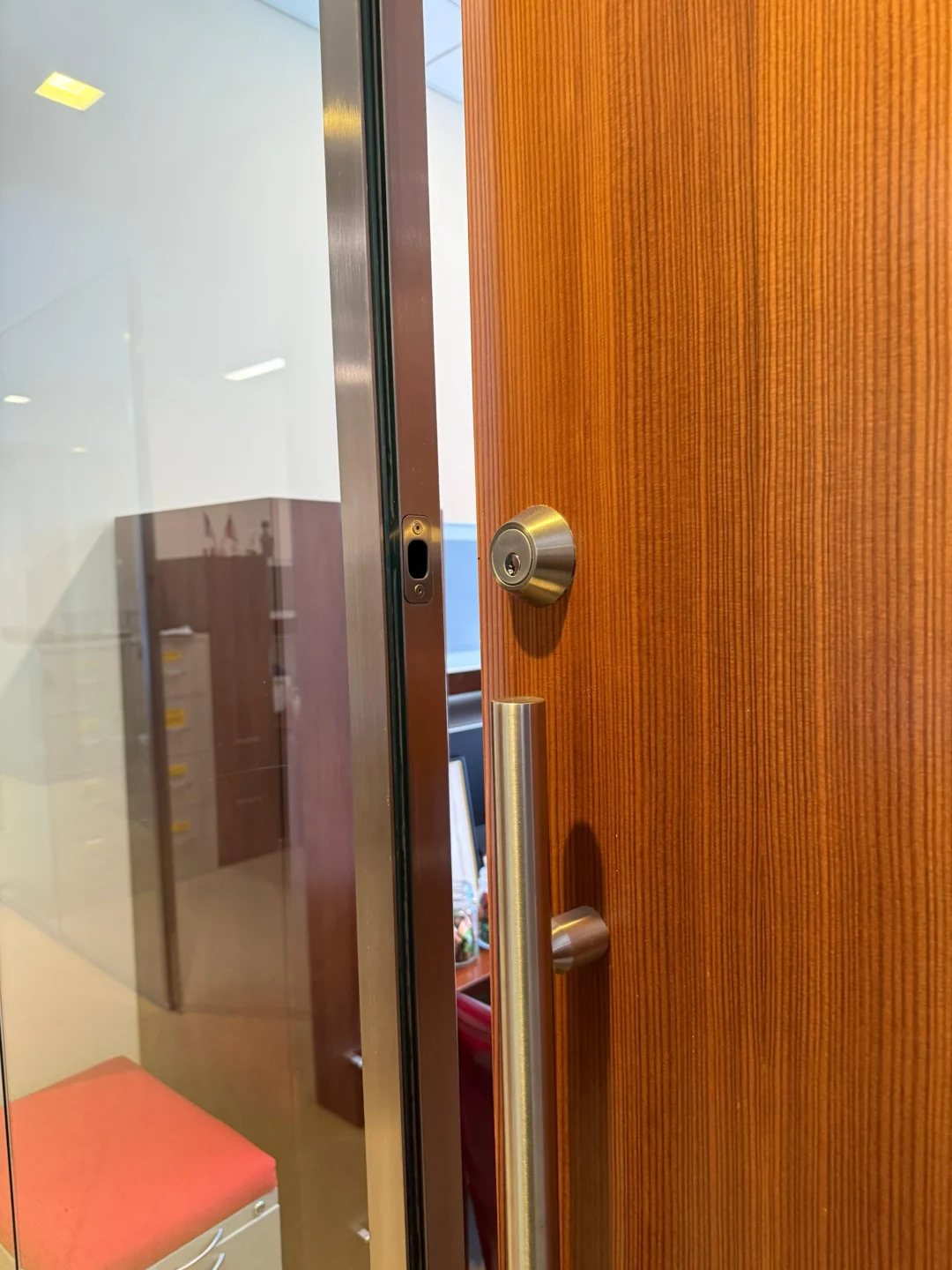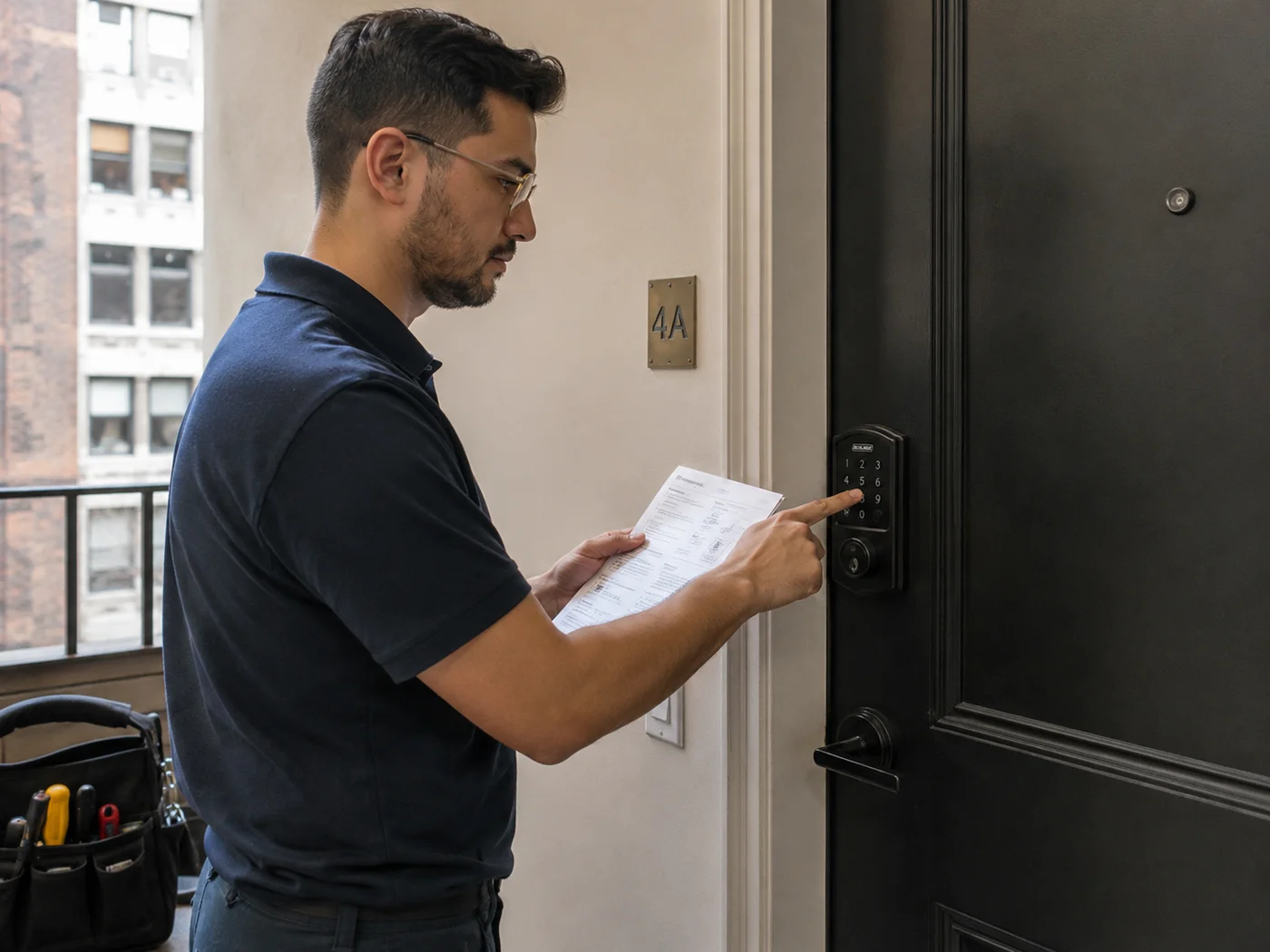
Changing the code on a Schlage keypad lock takes about a minute once you understand how the lock thinks about codes. Most failed attempts come down to one misunderstanding, not a broken lock, so we will clear that up first, then walk through adding, deleting, and changing a user code, plus changing the master programming code. We program these locks for New York clients constantly, and these are the exact sequences we use.
Whether you just moved in and want the previous resident’s codes gone, or you are rotating a code you gave a contractor, the process is the same handful of keypad steps. Let us start with the concept that makes all of it click.
Your Schlage lock uses two completely different codes: the 6-digit programming code and the 4-digit user codes. Mixing them up is the number one reason a code change fails.
The difference between programming codes and user codes
Your Schlage lock uses two completely different codes, and mixing them up is the number one reason a code change fails.
- The 6-digit programming code: This is the admin password. It does not unlock your door. Its only job is to tell the lock you have permission to make changes. You use it to add and delete the everyday codes.
- The 4-digit user codes: These are what you and your household actually punch in to open the door. These are the ones you add, delete, and hand out.
You cannot edit a user code in place. On almost all Schlage keypad locks there is no “change this code” function. To change a user code, you delete the old one and add a new one. That is what “changing the code” means in practice, and the steps below reflect it.
Where to find your programming code
If you never set a custom programming code, the default 6-digit code is on the white sticker on the back of the keypad assembly and on the Quick Start Guide. If it is not in your paperwork, you may need to remove the lock from the door to read the sticker. You need this code for every step below, so locate it first.
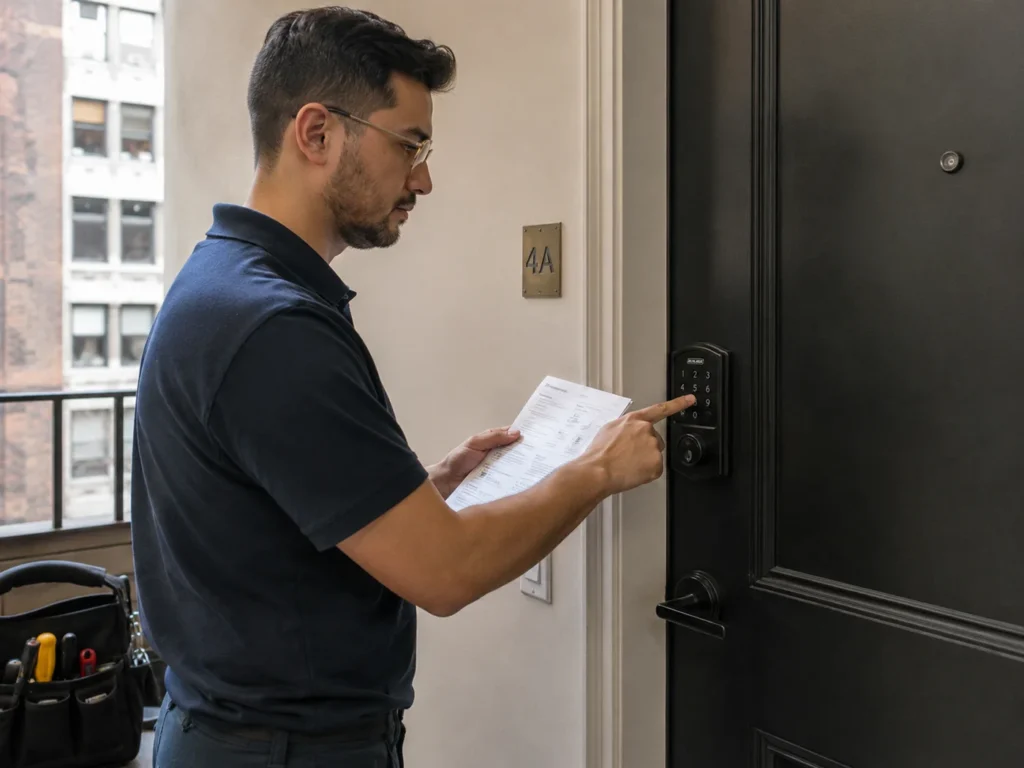
How to add a user code, BE365, FE595, FE575 and similar models
This works on the common mechanical keypad and lever models. Watch for the Schlage button to flash orange three times with three beeps between steps, which is the lock confirming it is ready for the next entry.
- Enter your 6-digit programming code. The Schlage button flashes orange three times and beeps three times.
- Press the Schlage button. This confirms you are in programming mode.
- Press 1 to add. Wait for the orange flash and three beeps.
- Enter the new 4-digit user code. Pick something memorable but not obvious. It must be unique from existing codes, and it cannot match the first four digits of your programming code.
- Re-enter the new code to confirm. A single green flash and a beep means the code is saved. Test it by locking the door and unlocking with the new code.
How to delete a user code
Delete a code when someone no longer needs access, such as a former roommate, a contractor, or a previous owner’s code you inherited.
- Enter your 6-digit programming code. Wait for the orange flashes and beeps.
- Press the Schlage button, then press 2 to delete. Wait for the confirmation flash.
- Enter the 4-digit code you want to remove. Type the exact code being deleted.
- Re-enter that code to confirm. A green flash and beep means it is gone. That code will no longer open the door.
How to change a user code
Because there is no edit function, changing a code is simply the two actions above, back to back: delete the old code, then add the new one. Do the delete sequence first, confirm the green light, then run the add sequence with your new code. That is the whole trick, and it is why people who go looking for a single “change code” button get stuck.
How to change the programming code itself
It is smart to change the master programming code away from the factory default, especially after moving in, so no one holding a Quick Start Guide can reprogram your lock. The first four digits of the new programming code must not match any user code currently on the lock.
- Enter the current 6-digit programming code. Wait for three orange lights and three beeps.
- Press the Schlage button. The keypad lights to confirm programming mode.
- Enter the new 6-digit programming code. Make the first four digits unique from any user code. Wait for the three orange flashes and beeps.
- Re-enter the new programming code. One green light and a long beep confirms the new master code is set.
Schlage’s official guide to changing the programming code has interactive, model-specific instructions if your lock differs.
Smart locks, Encode, Connect, and Sense: use the app
Manual keypad programming will not work once the lock is paired with the Schlage Home app. Pairing deletes the programming code, so on a connected Encode, Connect, or Sense lock you manage all codes in the app, not on the keypad. Add a code with the plus symbol, name it, set a schedule if you want a temporary or guest code, and delete codes with a tap.
If your Encode is not paired to the app, you can still add or delete codes manually: enter the programming code, enter the user code, then press the Add button, the house icon with a check, or the delete option, and press the house icon to exit. Deciding between Encode models? See our Schlage Encode vs Encode Plus guide.
Code best practices
- Avoid obvious codes like 1234, 0000, or your apartment or street number.
- Give each person their own code. That way you can revoke one person’s access by deleting a single code without disturbing everyone else’s.
- Use temporary codes for guests and contractors if your model supports them, so access expires on its own.
- Change codes after anyone moves out, and rotate the codes you have shared widely, the same way you would change or rekey locks after moving in.
Troubleshooting
- Light flashes red: you mistyped the programming code, the user code is already in use, or you waited too long between steps. Start over from step one and move at a steady pace.
- Keypad will not light up: replace the batteries with fresh alkalines.
- You cannot add a new code: the lock may have hit its maximum number of codes. Delete one you no longer need first.
- You lost the programming code entirely: you will need a full reset to recover, which restores the default codes. See our companion guide on how to reset a Schlage keypad lock.
When to call a locksmith
Most code changes are a one-minute DIY. Call a pro if you have lost the programming code and cannot reset, the keypad is unresponsive after fresh batteries, or you are managing codes across many doors or units and want a reliable system. We program, reset, and service Schlage locks across NYC.
If you are weighing what to install, our roundup of the best smart locks for NYC apartments and our Yale vs Schlage comparison are good places to start.
Frequently asked questions
How do I change the code on my Schlage keypad lock?
Schlage locks do not edit a code in place. Delete the old user code, then add the new one. Use your programming code, press the Schlage button, press 2, enter the old code, confirm it, then add the new code with the programming code, Schlage button, 1, new code, and confirmation.
What is the difference between the programming code and the user code?
The 6-digit programming code is the admin password that authorizes changes but does not unlock the door. The 4-digit user codes are the everyday codes that actually open the lock.
Why does my Schlage keypad flash red when I change the code?
Usually a mistyped programming code, a user code already in use, or waiting too long between steps. Start over and enter the sequence at a steady pace.
Can I change codes on an Encode from the keypad?
Only if it is not paired to the Schlage Home app. Once paired, the programming code is removed and all code management happens in the app.
Get help from Rainbow Locksmith NY
Stuck on a code change or lost your programming code? Rainbow Locksmith NY programs, resets, and services Schlage locks across Manhattan, same day.
Rainbow Locksmith NY | 338 E 65th St, New York, NY 10065 | Licensed and insured | NYC DCWP License. Steps reflect Schlage’s published procedures; sequences vary slightly by model, so confirm against your guide.