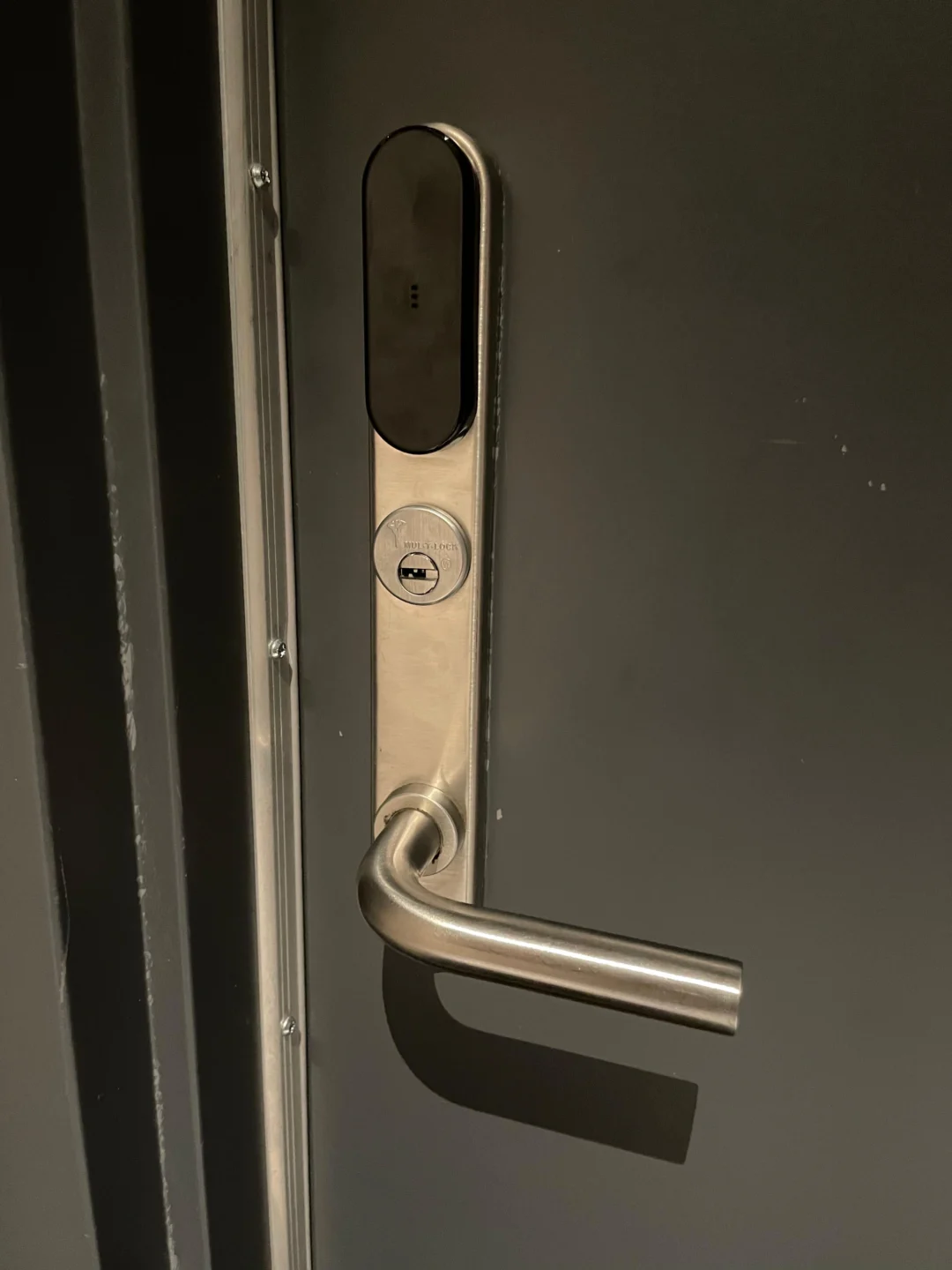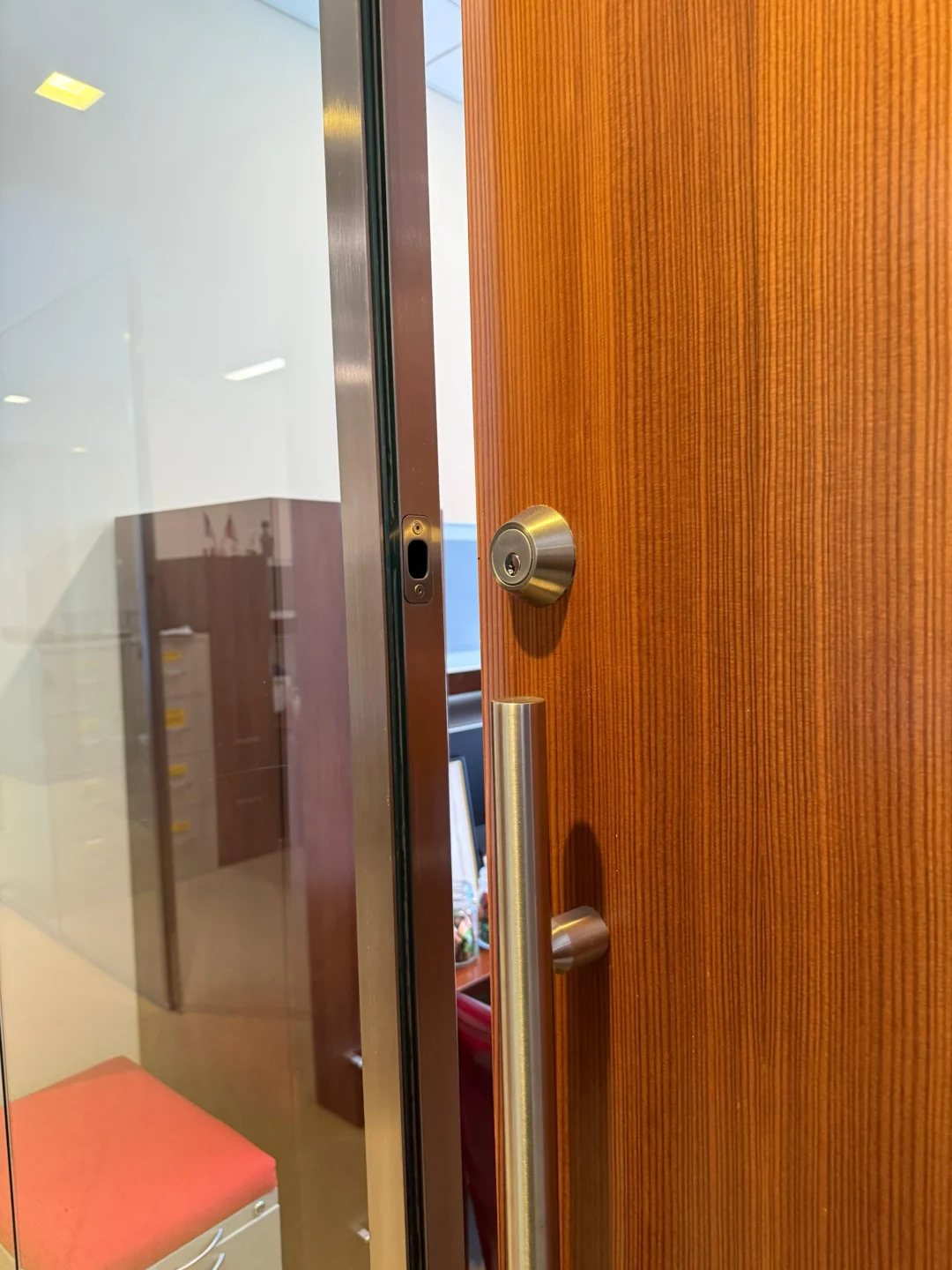
A renter does not need the same smart-lock strategy as a homeowner. For a homeowner, replacing the complete deadbolt, installing an exterior keypad, or changing the door hardware may be perfectly reasonable. A renter usually has a different goal: add smart access without permanently changing the apartment entrance, preventing management access, damaging the door, or creating a problem when moving out. That makes retrofit smart locks particularly useful.
Instead of replacing the whole deadbolt, certain retrofit systems operate the existing lock from the interior side. August’s current smart locks, for example, attach to a compatible existing single-cylinder deadbolt from inside the door while leaving the exterior lock and original key in place. Yale’s Approach retrofit lock uses the same general concept. Other retrofit platforms use a different mounting approach: SwitchBot’s current Lock and Lock Pro products are designed to operate existing locks from the interior side and support a broader range of configurations, but SwitchBot still tells buyers to verify their exact lock model, dimensions, and compatibility before installation.
For NYC renters, there is another layer to consider. HPD states that tenants in multiple dwellings may install and maintain their own locks on apartment entrance doors, but they must provide the landlord with duplicate keys upon request. HPD also requires applicable apartment and hallway doors to close and latch automatically, so any smart-lock installation should preserve that normal door operation. This guide focuses on that renter-specific problem: how to add smart access while changing as little of the original entrance as possible.
Renters can use a compatible retrofit smart lock that mounts on the interior side of the existing lock rather than drilling a new deadbolt opening. First identify the current lock type and verify manufacturer compatibility. Preserve the exterior key cylinder where possible, save all original hardware, install and calibrate the smart device according to its instructions, test both the physical key and electronic access, and confirm that the apartment door still closes and latches normally. When moving out, remove the retrofit hardware and reinstall the original interior components.
The renter test: five questions to answer before buying a smart lock
Before comparing apps, fingerprints, Wi-Fi, Matter, or voice assistants, answer five more basic questions.
1. Does the smart lock work with your exact existing lock?
This matters more than any electronic feature. August currently specifies that its smart locks are compatible with supported single-cylinder deadbolts. Its official compatibility documentation excludes mortise locks, double-cylinder deadbolts, Medeco, Mul-T-Lock, and certain other configurations. That distinction is particularly important in New York, where older apartment doors may use hardware that looks nothing like a modern suburban deadbolt.
SwitchBot takes a broader approach. Its official compatibility information covers conventional deadbolts and jimmy-proof configurations and asks users with special or uncertain hardware to provide the manufacturer with the lock model, measurements, or photographs before purchasing. Its Lock Pro documentation also notes that some mortise and jimmy-proof installations may need additional support or fittings. The lesson is simple: “retrofit” does not mean “universal.”
2. Will the exterior lock stay usable?
For many renters, this is the strongest reason to choose a retrofit system. August specifically states that its retrofit products leave the exterior lock unchanged so existing physical keys continue to work. SwitchBot likewise states that compatible installations preserve physical-key operation. That can preserve an important backup method and make management access easier to maintain.
3. Can you restore the original hardware?
A renter-friendly installation should have an exit strategy. If the device requires removal of the existing interior thumb turn, keep every original component:
- Thumb turn
- Screws
- Mounting plate
- Decorative trim
- Adapters
- Washers
- Any small retaining hardware
Put the components in a labeled bag as soon as they come off the door. A reversible installation is only truly reversible if you still have the original parts when the lease ends.
4. Will the installation affect the door’s normal movement?
A smart lock is mounted on a door system, not in isolation. The door still needs to open normally, swing freely, close fully, latch properly, allow the deadbolt to align with the strike, and preserve required self-closing operation where applicable. NYC HPD states that apartment and hallway doors covered by the self-closing requirements must swing closed and latch on their own. Tenants should not interfere with that operation.
5. Does your lease or building have additional rules?
NYC housing rules establish certain rights and responsibilities, but a lease or managed building may still contain provisions concerning alterations, approved hardware, master-key systems, exterior appearance, or access procedures. Our dedicated guide to NYC lock laws for tenants is the most relevant resource to review before changing apartment entrance hardware.
What “non-destructive” actually means
The phrase can be misleading. A non-destructive installation does not always mean that the original lock remains completely untouched. Some retrofit smart locks require you to remove the interior thumb turn and temporarily replace it with the smart-lock mounting system – August’s retrofit installation, for example, involves removing the interior portion of a compatible deadbolt while leaving the exterior cylinder in place. Other systems mount over or around the existing interior lock mechanism: SwitchBot’s original Lock uses a surface-mounted retrofit design and advertises installation without drilling.
For a renter, a better definition is: a non-destructive smart-lock installation avoids unnecessary permanent changes to the door, frame, exterior key cylinder, and original lock preparation, while allowing the original configuration to be restored later.
Three smart-lock approaches renters should understand
Not every “no-drill smart lock” works the same way.
Interior deadbolt retrofit
This is the cleanest solution when the apartment has a compatible conventional single-cylinder deadbolt. The smart device replaces or mounts in place of the interior thumb turn but preserves the exterior keyed cylinder. August and Yale Approach are current examples of this architecture. Both are designed around compatible single-cylinder deadbolts and keep the original exterior key available. This type is attractive for renters because very little changes from the hallway side of the door.
Over-the-existing-lock retrofit
Some retrofit devices physically operate the existing interior lock rather than requiring the same deadbolt architecture as August-style systems. SwitchBot’s current products are an example: its compatibility documentation covers conventional North American deadbolts and some jimmy-proof configurations and instructs users to verify dimensions and lock type before purchasing. This approach can be useful on doors that do not fit the standard retrofit-deadbolt model, but compatibility still needs to be checked carefully.
Full deadbolt replacement
A full smart deadbolt removes the existing exterior and interior deadbolt hardware and replaces both sides. This can still reuse the existing holes and require no new drilling if the preparation matches, but it is not the same level of non-destructive installation because the exterior lock, cylinder, appearance, and keys are changed. For many renters, that makes it a second-choice option unless the building and lease permit it. Our comparison of smart locks vs. traditional deadbolts for NYC apartments can help you decide whether you actually need electronic replacement hardware or simply a retrofit.
Identify your apartment lock before shopping
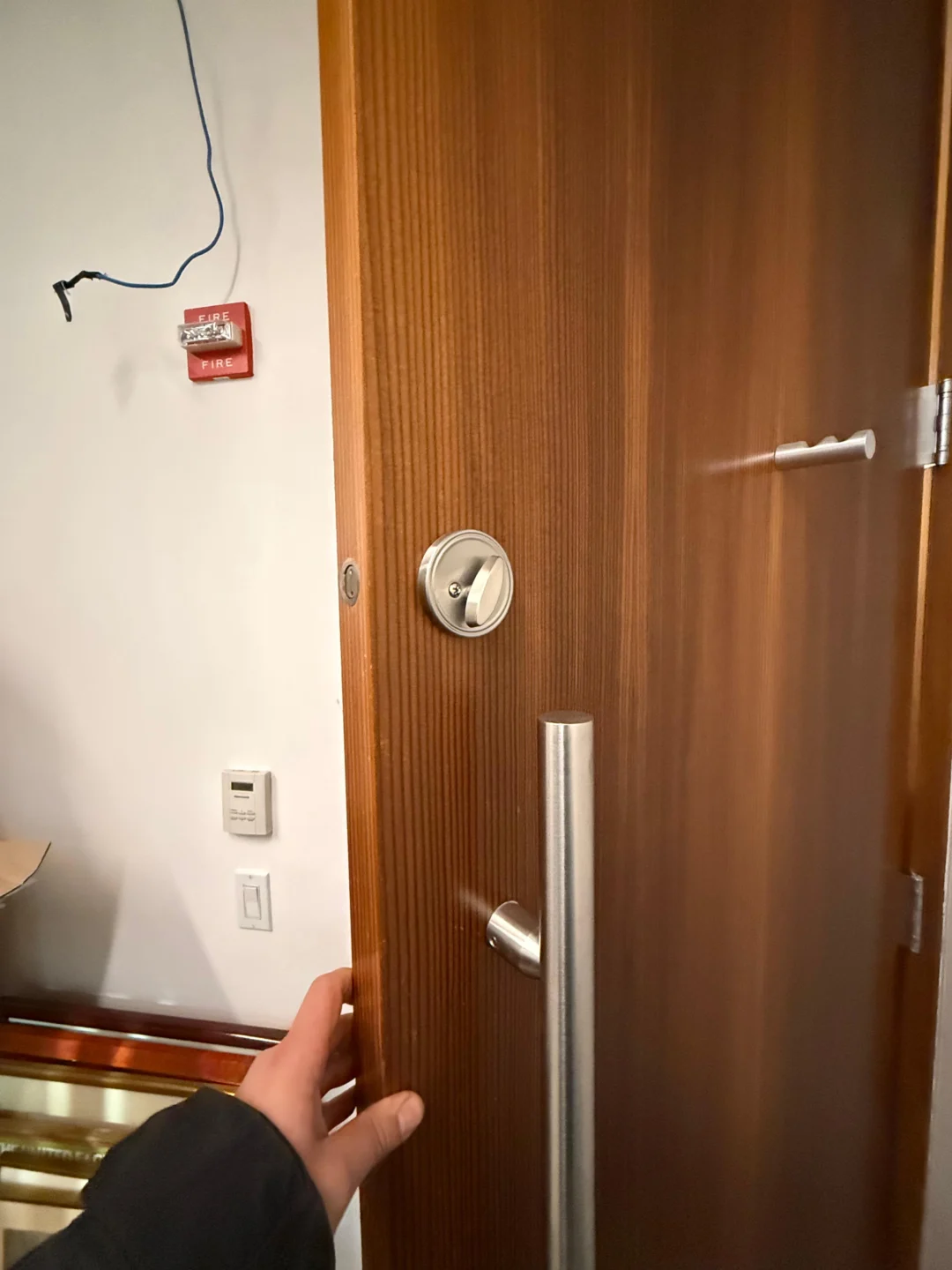
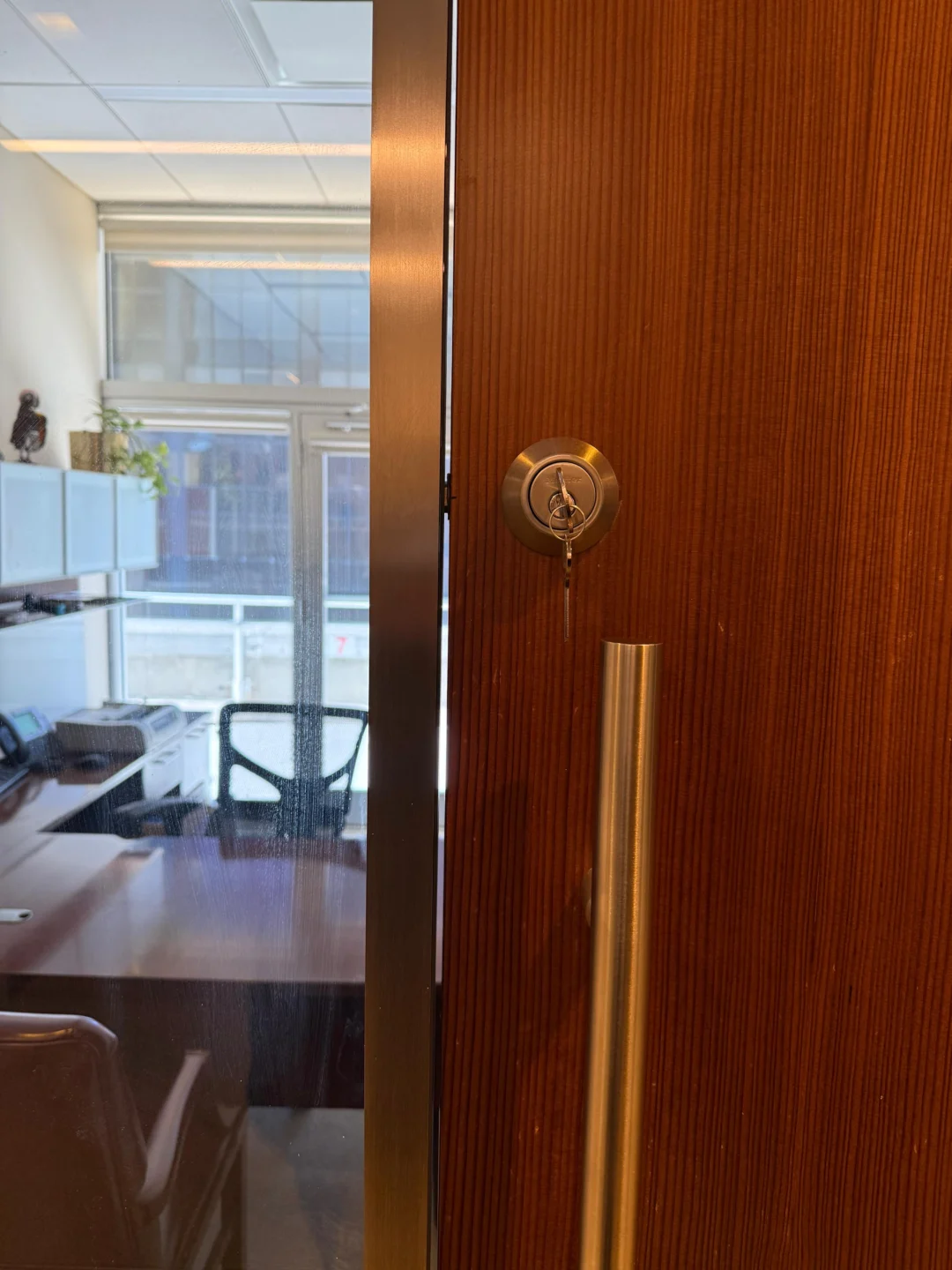
The most important photograph you can take is not of the smart lock you want to buy – it is a photograph of the lock already installed on your apartment. Take one picture of the hallway side and another of the interior side. Then determine which general category you have.
Standard single-cylinder deadbolt
This configuration has a key cylinder outside and a thumb turn inside. It is the most straightforward candidate for many retrofit products. August currently limits its smart-lock compatibility to supported single-cylinder deadbolts.
Double-cylinder deadbolt
This configuration uses a key on both sides. Do not assume you can simply adapt an interior retrofit motor to one – August explicitly lists double-cylinder deadbolts as incompatible. There is also an important NYC safety concern: HPD states that double-cylinder locks that can trap residents inside an apartment are illegal on apartment doors used for egress.
Mortise lock
A mortise lock places a larger lock body inside a pocket cut into the edge of the door and can combine the latch, cylinder, and other functions in one system. Many older NYC apartment and commercial doors use mortise-style hardware. August explicitly excludes mortise locks from its compatibility list. SwitchBot Lock Pro may work with some mortise configurations, but its manufacturer notes that such applications can require additional support or fittings and recommends checking compatibility before purchase. That is a very different answer from “all retrofit locks work with mortise doors.”
Jimmy-proof or surface-mounted lock
These are also common enough on New York doors that renters should identify them before ordering hardware. SwitchBot specifically includes jimmy-proof configurations in its compatibility guidance, subject to size and model checks. August’s standard compatibility list is centered on single-cylinder deadbolts rather than this type of lock.
High-security or restricted hardware
If the apartment uses Medeco, Mul-T-Lock, an organized master-key system, or another specialty cylinder, do not assume a consumer retrofit will fit. August specifically excludes Medeco and Mul-T-Lock from its current compatibility list. If the lock belongs to a building-wide key system, coordination may also matter more than the smart features themselves.
Check the mechanical lock before adding electronics
A smart lock should automate a lock that already works well. It should not be used to hide a mechanical problem. Open the apartment door and turn the existing thumb turn several times – the bolt should extend and retract smoothly. Then close the door and repeat the test. If the deadbolt becomes much harder to turn only when the door is closed, the problem is likely related to the door or strike alignment rather than the smart-lock electronics. Possible causes include a sagging door, loose hinges, strike misalignment, frame movement, weatherstripping pressure, or an existing bolt problem.
A human hand may compensate for this by pushing or pulling the door while turning the lock. A motorized smart lock cannot reliably make the same adjustment. Fix the mechanical problem before installing the electronics. If the existing lock itself is worn or failing, Rainbow Locksmith NY’s residential lock replacement service is a more relevant solution than mounting a smart motor onto unreliable hardware.
A renter-safe pre-installation audit
Before removing the interior thumb turn, document the existing entrance. Photograph the interior lock, exterior cylinder, door edge, strike, door closer if present, existing screw positions, and the hallway-facing appearance. Then check the following.
Confirm key operation
Test every physical key you expect to preserve. If the key is already difficult to operate, deal with that problem first.
Confirm door closing
Open the apartment door and release it normally. Where NYC self-closing requirements apply, HPD says the door should swing shut and latch without being manually pulled closed. A smart-lock installation should not prevent that.
Check interior clearance
Measure the space around the current thumb turn. A retrofit unit may interfere with door trim, secondary locks, chains, closers, a nearby wall, a lever handle, or a decorative escutcheon. For example, the August Wi-Fi Smart Lock is approximately 72 mm in diameter and 46 mm deep, so clearance around the interior deadbolt matters.
Save the existing configuration
Make a simple note of how the original lock is assembled. This is especially useful if several screws or adapters look similar.
Installing a retrofit smart lock without permanently altering the door
The exact mounting procedure should always follow the manufacturer’s instructions for the specific model. The renter-specific goal is to remove only what the retrofit system requires.
Secure the exterior side before removing the interior thumb turn
On a standard deadbolt retrofit, the interior mounting screws may also help hold the exterior cylinder in place. August’s installation instructions use an adhesive strip on the exterior side during setup to keep the outside portion secured while the interior hardware is being removed. This is a good example of why following the actual manufacturer’s installation procedure matters. Do not let the exterior cylinder drop or rotate unexpectedly while the interior hardware is removed.
Remove only the interior components specified
Do not automatically remove the exterior cylinder, the deadbolt bolt, the strike, the door handle, or secondary security hardware. A retrofit installation should preserve as much of the original locking system as the product design allows.
Choose the correct adapter
Many retrofit locks need an adapter between the smart motor and the existing deadbolt tailpiece or thumb-turn mechanism. The adapter must match the existing hardware. If it slips, binds, or requires force, do not continue simply because the smart-lock housing can still be attached. The motor needs a reliable mechanical connection.
Mount the smart lock squarely
The smart-lock body should sit straight and secure. A crooked mounting plate can introduce resistance that was not present before. Tighten mounting hardware according to the manufacturer’s procedure instead of overtightening it. If the existing lock worked smoothly before installation but becomes stiff immediately after the retrofit unit is attached, inspect the mounting alignment before continuing.
Calibrate before you trust it
Physical installation is only half the job. Retrofit smart locks need to understand the lock’s actual travel between unlocked and locked positions. SwitchBot’s setup procedure, for example, requires installation followed by calibration of the locked and unlocked positions through the app. Do the first operational tests carefully. Verify:
- Full unlock
- Full lock
- Manual interior operation
- Physical-key operation
- App operation
- Door-open operation
- Door-closed operation
If the smart lock works when the door is open but fails when the door is closed, investigate mechanical alignment before repeatedly resetting the app.
Preserve the original physical key
A retrofit smart lock should add access options, not casually remove the most dependable backup you already have. August explicitly designs its retrofit smart locks so the original exterior keys remain usable, and SwitchBot likewise states that physical-key access remains available on compatible installations. After installation, go outside with another safe way to enter available and test the original key. Do not assume it works simply because the exterior cylinder was not removed.
NYC landlord access: what renters should know
HPD states that tenants in multiple dwellings can install and maintain their own locks on apartment entrance doors, but the tenant must provide the landlord with duplicate keys upon request. HPD’s tenant-rights guidance repeats that if the tenant changes the locks, the law requires copies of the keys to be provided to the landlord.
A retrofit lock that leaves the original exterior cylinder and key unchanged can therefore be particularly useful, because the original mechanical access path can remain available. Still, renters should not interpret “no drilling” as permission to ignore their lease or building policies. For more detail on the local side of the decision, see our guide to NYC lock laws for tenants.
Do not interfere with a self-closing apartment door
This point deserves more attention than it gets in most generic smart-lock guides. NYC HPD states that required apartment and hallway doors must swing fully closed and latch by themselves. Tenants should not tamper with self-closing doors or use devices that interfere with normal closing. After installing the smart lock:
- Open the door fully.
- Release it.
- Confirm that it swings closed.
- Confirm that the latch engages.
- Confirm that the smart-lock body or accessory does not contact the frame.
- Confirm that the deadbolt still aligns naturally.
If the door no longer closes or latches correctly, the installation is not complete.
What about an exterior keypad?
A renter may want PIN or fingerprint access without replacing the exterior deadbolt. Many retrofit smart-lock systems offer separate keypads. That can preserve the original lock while adding another way to enter. The attachment method matters, however. Before sticking or fastening anything to a hallway-facing door, frame, or wall, consider building policy, the surface finish, adhesive removal, common-area rules, weather exposure, and future move-out restoration. Do not assume an adhesive accessory is automatically damage-free – a removable device can still pull weak paint or leave residue depending on the surface.
Wi-Fi, Bluetooth, and remote access are different features
Smart locks can communicate in different ways, and renters do not necessarily need every feature. For example, the current August Wi-Fi Smart Lock has built-in Wi-Fi for remote operation and also supports local Bluetooth operation. Other products may require an external bridge or hub for certain remote or smart-home features. Before buying, decide whether you actually need:
- Phone unlocking near the door
- Remote locking from outside the apartment
- Auto-lock
- Auto-unlock
- Temporary guest access
- Activity history
- Keypad access
- Smart-home integration
- Voice assistant control
A simpler setup can be easier to manage if remote access is not important.
Treat the account like part of the lock
With a traditional deadbolt, access control is mostly about physical keys. With a smart lock, your digital account also controls the entrance. Use a strong, unique account password and enable additional account-security features when the manufacturer provides them. Review digital access when a roommate moves out, a guest no longer needs access, a cleaner or contractor finishes work, a phone is lost, you change devices, or you move out. A smart lock makes it easy to grant access, which means it should also be easy to forget how many people still have it. Check periodically.
Battery failure should not become a lockout plan
Battery-powered locks require maintenance. Manufacturers provide low-battery alerts and replacement guidance, but renters should still maintain another reliable way to enter. With a compatible retrofit lock that preserves the exterior cylinder, the physical key remains an important backup. Do not stop carrying or safely storing a working mechanical key simply because phone access works today.
What if your apartment has a mortise lock?
Do not buy a standard August-style deadbolt retrofit and hope it will fit – August currently lists mortise locks as incompatible. SwitchBot Lock Pro has broader compatibility, but the manufacturer specifically warns that some mortise applications may have mounting issues or require additional fittings and recommends contacting support for uncertain configurations. This is one of the situations where an NYC apartment can differ substantially from the generic smart-lock examples online. Rainbow Locksmith NY provides smart lock installation and setup for apartment residents who need help determining whether existing hardware can support a smart upgrade.
What if you have a jimmy-proof lock?
A jimmy-proof lock should also be treated separately from a conventional cylindrical deadbolt. SwitchBot’s current compatibility documentation explicitly includes supported jimmy-proof configurations, subject to dimensional and model checks. That does not mean every jimmy-proof lock is automatically compatible. Measure and verify first.
What if the existing lock is high-security hardware?
Do not downgrade an organized high-security or restricted-key system just to gain app access. If the existing hardware is Medeco, Mul-T-Lock, or another specialty configuration, consumer smart-lock compatibility may be limited – August currently identifies Medeco and Mul-T-Lock among its incompatible configurations. In a managed building, the lock may also be part of a larger key-control arrangement. Smart functionality should be added only after understanding what security features the existing lock is already providing.
When rekeying solves the real problem better
Sometimes a renter starts shopping for a smart lock because they are worried that an old roommate, previous tenant, contractor, or other person still has a key. That is a key-control problem, not necessarily a smart-home problem. If the existing hardware works correctly and the real goal is to make old keys stop working, lock rekeying may address the concern more directly. Our guide comparing rekeying vs. replacing locks in NYC is useful when you are still deciding what kind of change you actually need.
Plan for move-out on installation day
The best time to plan removal is when you install the lock. Do not wait until moving day to figure out where the original thumb turn went. Create a small restoration kit containing:
- The original interior thumb turn
- Original screws
- Trim pieces
- Mounting components
- Any original adapters
- A photo of the original installation
Store it somewhere you will remember. When the tenancy ends, remove the smart-lock components according to the manufacturer instructions and reinstall the original hardware. Then test the restored lock from both sides.
Move-out restoration checklist
Before considering the original entrance restored, confirm:
- Original interior hardware is back in place.
- The exterior key works.
- The thumb turn works.
- The deadbolt fully locks and unlocks.
- The door closes normally.
- The door latches on its own where required.
- No adhesive residue interferes with the finish.
- Any separate keypad or sensor has been removed appropriately.
- Digital guest access has been deleted.
- The smart lock has been reset according to the manufacturer’s procedure.
The goal is not merely to remove the electronic device. The goal is to restore the entrance to reliable mechanical operation.
When professional installation makes sense
A no-drill smart-lock setup can be a straightforward renter project when the existing hardware is a clearly compatible single-cylinder deadbolt in good condition. Professional assessment becomes more useful when:
- The lock type is unclear
- The apartment uses a mortise lock
- The door has a jimmy-proof lock
- The existing hardware is high-security
- The deadbolt binds when the door closes
- The door does not self-close properly
- The building uses a master-key system
- The exterior cylinder is damaged
- The smart lock repeatedly fails calibration
- Multiple locks operate the entrance
- You are unsure how to preserve landlord access
Rainbow Locksmith NY provides smart lock installation and setup as well as broader residential locksmith services in New York City. The value of professional installation is not simply having someone tighten the screws – it is correctly identifying the existing lock and determining whether a specific smart device is compatible before the original hardware is altered.
Frequently asked questions
Can a renter install a smart lock without drilling?
Yes. Certain retrofit smart locks attach to compatible existing interior lock hardware without drilling a new deadbolt opening. August and Yale Approach are examples designed around compatible single-cylinder deadbolts, while SwitchBot offers retrofit systems for a broader range of supported configurations.
Will my original key still work?
With retrofit systems specifically designed to preserve the exterior cylinder, yes. August and SwitchBot both state that compatible installations allow continued use of the existing physical key.
Do NYC renters have the right to change their locks?
HPD states that tenants in multiple dwellings have the right to install and maintain their own locks on apartment entrance doors, but they must provide the landlord with duplicate keys upon request. Renters should also review their lease and building requirements.
Do I need to give my landlord a smart-lock code?
NYC HPD’s published guidance addresses the requirement to provide duplicate keys when tenants change their locks. It does not establish a general rule that every tenant-installed smart lock requires giving the landlord an app login or digital code. If your installation changes how management can access the apartment, review the lease and building requirements rather than assuming.
Can August smart locks fit any apartment lock?
No. August currently supports compatible single-cylinder deadbolts and specifically lists several unsupported configurations, including mortise locks and double-cylinder deadbolts.
Can a smart lock work on a mortise lock?
Some retrofit platforms may support particular mortise configurations, but compatibility is product-specific. SwitchBot Lock Pro provides broader compatibility than standard deadbolt-only retrofit systems but advises users with some mortise configurations to confirm the setup before purchase.
Can I use a smart lock on a jimmy-proof lock?
Certain SwitchBot configurations support compatible jimmy-proof locks, subject to the manufacturer’s dimensional and model requirements.
What if my deadbolt is hard to turn?
Fix the mechanical problem before installing a smart lock. If the bolt operates smoothly with the door open but binds when the door closes, investigate door and strike alignment rather than expecting the smart-lock motor to compensate.
Does a smart lock affect NYC self-closing door requirements?
It should not interfere with normal self-closing and latching operation. HPD states that required apartment and hallway doors must close and latch automatically and that tenants should not interfere with those mechanisms.
Should I replace my lock or install a retrofit smart lock?
If the mechanical lock is healthy and compatible, retrofit installation can preserve more of the original hardware. If the existing lock is worn or unreliable, replacement may be more appropriate. Rainbow Locksmith NY offers both smart lock setup and lock replacement.
What is the best smart lock for an NYC apartment?
There is no single best model for every apartment because the existing lock type and building requirements differ. Our guide to the best smart locks for NYC apartments compares current options specifically for NYC doors and renters.
Get help from Rainbow Locksmith NY
Not sure whether your apartment lock can take a retrofit smart lock? Rainbow Locksmith NY identifies your hardware, installs and calibrates renter-friendly smart locks, and keeps the original parts restorable across NYC apartments – prewar mortise doors included.
Rainbow Locksmith NY | 338 E 65th St, New York, NY 10065 | Licensed and insured | NYC DCWP License. Product compatibility and features change; verify your exact lock, lease, and building requirements before buying.